
Random Points on a Circle: Simulating Probability
Loading the math board and drawing, please wait…
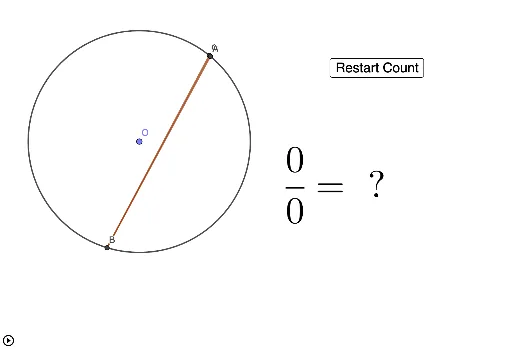
This GeoGebra applet simulates experimental probability by generating random points on a circle and counting how many fall inside a triangle formed by three fixed points on the circle. It demonstrates the law of large numbers as the empirical frequency approaches the theoretical geometric probability. Core concepts include geometric probability, random sampling, point-in-region testing, and Monte Carlo simulation. Construction details: uses Point to create random points on the circle, Circle for the base circle, Polygon to define the triangle, IsInRegion to test containment, Sum to accumulate hits, and a button (button2) to repeat trials. The final probability estimate is displayed via text1. Suitable for high school or college courses in probability and statistics, as well as exploratory activities on geometric probability and simulation.
GeoGebra Commands & Parameters
Point(xAxis) → OCircle(O, 1) → cSum(Sequence[If[Element[list1, i] ≟ true, 1, 0], i, 1, b]) → countinregionPolygon(A, C, B) → t1, b_1, a, c_1IsInRegion(O, t1) → intriangle
AI Drawing Prompt Reference
Draw a unit circle centered at the origin. Place three fixed points on the circumference and connect them to form a triangle. Generate many random points on the circle, and for each point determine whether it lies inside the triangle. Use a slider to control the number of random points, and display the ratio of points inside the triangle to the total number of points, which approaches the ratio of the triangle's area to the circle's area as the count increases.
The prompt above was compiled from the original drawing commands and is for reference only.