
Quadratic Curve Sketching
Loading the math board and drawing, please wait…
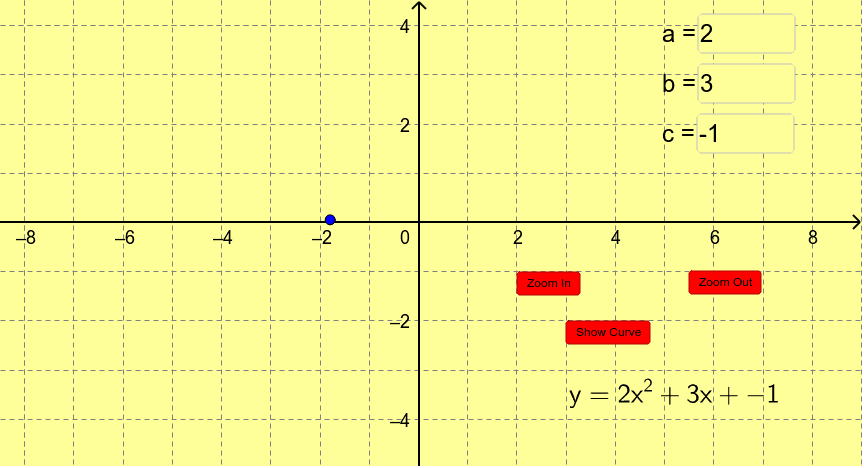
This example allows students to investigate the shape of quadratic curves. Key mathematical concepts include quadratic functions, vertex, roots, and discriminant. Using GeoGebra commands such as Vertex, Intersect, RandomUniform, students can dynamically adjust parameters a, b, c, and observe the changes in the quadratic curve. Suitable for middle school and above students to learn about the graph and properties of quadratic functions.
GeoGebra Commands & Parameters
Textfield(a) → inputBox1Textfield(b) → inputBox2Textfield(c) → inputBox3Vertex(para) → vertex, , ,If(a > 0, y = 4, y = -4) → dIntersect(para, d, 1) → AIntersect(para, d, 2) → BRandomUniform(x(B), x(A)) → randompos
AI Drawing Prompt Reference
Draw a quadratic function graph with adjustable parameters a, b, c, showing the vertex and x-intercepts, displaying different y-value ranges based on a, and randomly generating a point on the x-axis to illustrate the relationship between key points and the curve.
The prompt above was compiled from the original drawing commands and is for reference only.