
Probability Spinner Game
Loading the math board and drawing, please wait…
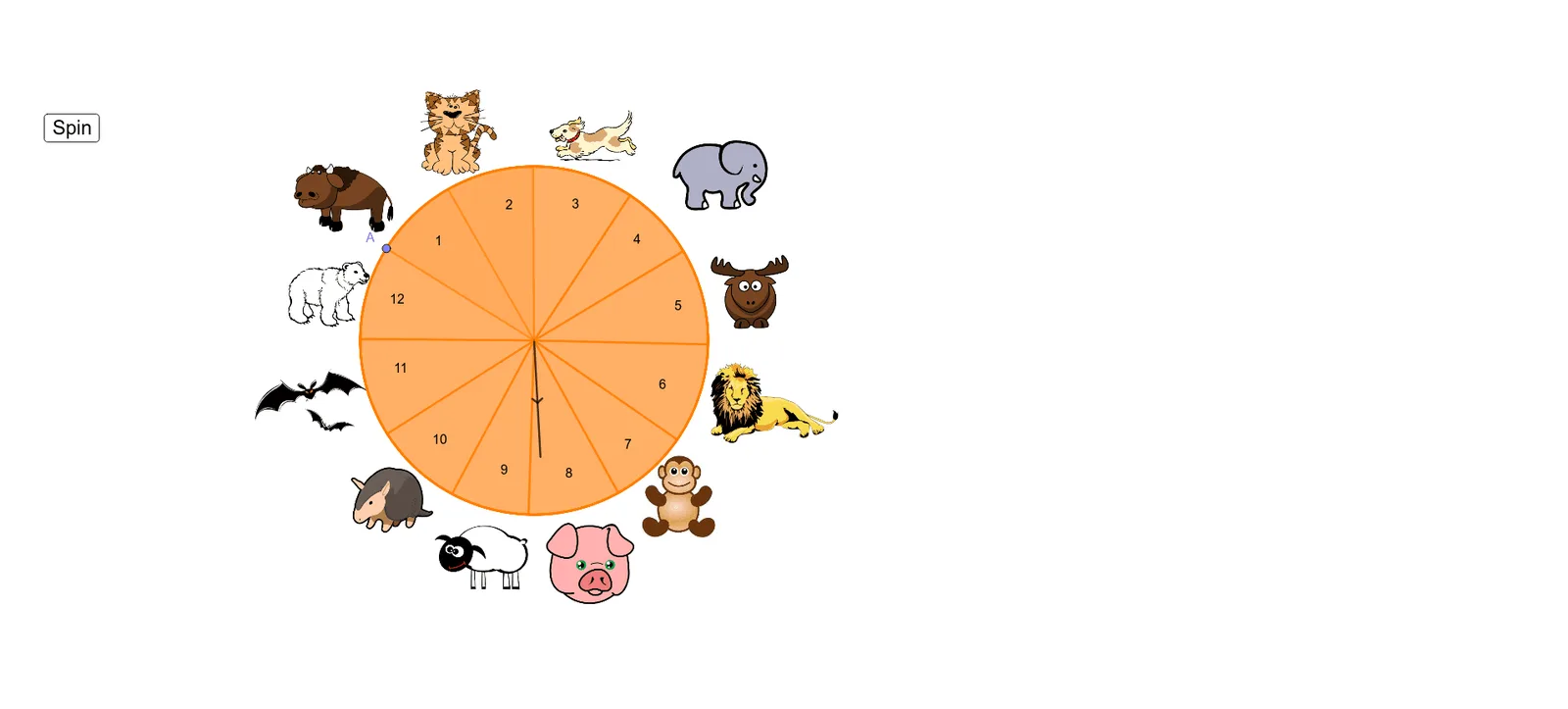
This example demonstrates probability and likelihood through creating spinner games. It involves core math concepts like probability, percentages, pie charts or circle charts. Construction highlights include commands/objects like Point, Circle, CircleSector, Rotate, Angle, RandomElement, Segment. Suitable for middle school and above students to learn probability & statistics and enhance mathematical application skills.
GeoGebra Commands & Parameters
Point(xAxis) → PCircle(P, N) → cPoint(c) → DPoint(c) → CCircleSector(P, C, D) → dPoint(d) → ECircleSector(P, D, E) → ePoint(e) → FCircleSector(P, E, F) → fPoint(f) → GCircleSector(P, F, G) → gPoint(g) → HCircleSector(P, G, H) → hPoint(h) → ICircleSector(P, H, I) → kPoint(k) → JCircleSector(P, I, J) → pPoint(p) → KCircleSector(P, J, K) → qPoint(q) → LCircleSector(P, K, L) → rPoint(r) → ACircleSector(P, L, A) → sPoint(s) → BPoint(xAxis) → ORotate(O, α°, P) → O'Angle(O, P, O') → βRandomElement({-345, -315, -285, -255, -225, -195, -165, -135, -115, -85, -55, -25}) → aSegment(P, O') → iCircleSector(P, B, A) → c_1Segment(P, B) → j
AI Drawing Prompt Reference
Draw a circular spinner divided into multiple sectors of different sizes, each colored differently. Mark a point at the center of the circle and draw a line segment from the center to the circumference. Draw an auxiliary circle and rotate the line segment to a random angle to create a new marked point. Finally, connect the center to two points on the circumference with line segments to form the sectors.
The prompt above was compiled from the original drawing commands and is for reference only.