
Position vectors in 2D component form
Loading the math board and drawing, please wait…
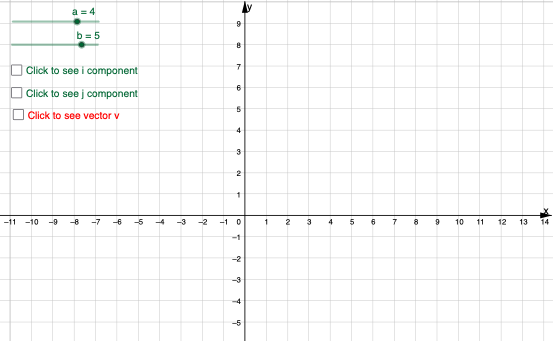
This example demonstrates the representation of 2D position vectors in component form, illustrating their geometric interpretation. Key math concepts include vectors, coordinate geometry, and unit vectors (i, j). Construction involves commands like Vector for objects b, a, A, B, v, and uses i, j for components, with text objects text1, text2 for annotations and auxiliary objects e, f, g. Suitable for high school coordinate geometry instruction or beginners learning vector notation.
GeoGebra Commands & Parameters
Vector(A) → vVector(B) → iVector(B, A) → j
AI Drawing Prompt Reference
Draw a 2D position vector diagram with vectors a and b, and their components i and j. First, create points A and B, then use the Vector command to represent vectors a and b, next use Vector(B, A) to represent the component j of vector a, and finally use Vector(A) to represent the component i of vector b, and add annotations to explain the geometric meaning of the vectors.
The prompt above was compiled from the original drawing commands and is for reference only.