
Point Equidistant from Two Points (Perpendicular Bisector)
Loading the math board and drawing, please wait…
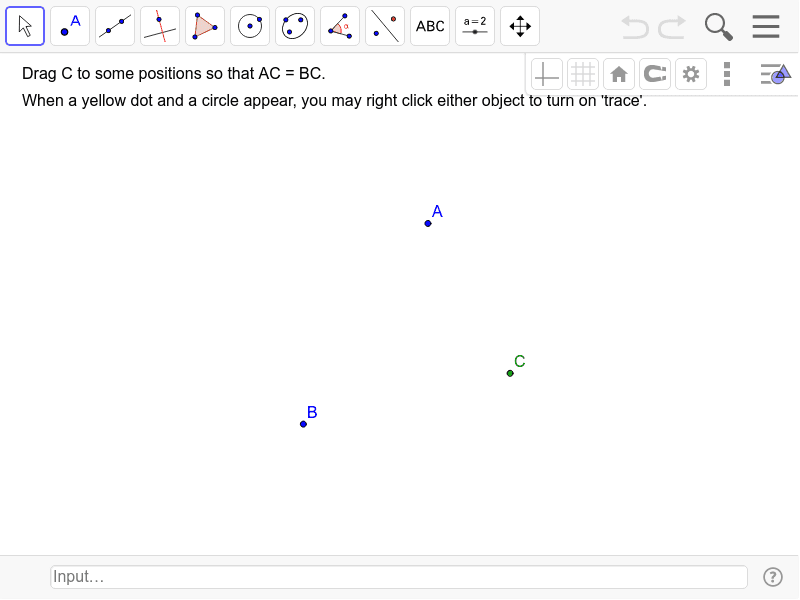
This GeoGebra example demonstrates how to construct a moving point C that remains equidistant from two fixed points A and B, and visualizes its locus. The core mathematical concept is the perpendicular bisector theorem: the set of all points in a plane equidistant from the endpoints of a segment forms the perpendicular bisector of that segment. Construction steps: using the Circle command, draw two circles centered at A and B with equal radii; their intersection points give the desired point C. The Segment command connects relevant segments, and text objects display the distance measurements. This resource is ideal for middle school geometry lessons on perpendicular bisectors and can also serve as an introduction to locus equations in high school coordinate geometry.
GeoGebra Commands & Parameters
Circle(C, B) → cSegment(C, A) → aSegment(C, B) → bSegment(A, C) → dSegment(C, B) → e
AI Drawing Prompt Reference
Draw the perpendicular bisector between two fixed points, showing a moving point that remains equidistant from both. Start by drawing two circles centered at the fixed points with equal radii; their intersection points define the moving point. Connect this point to the fixed points and display the lengths of the relevant segments.
The prompt above was compiled from the original drawing commands and is for reference only.