
Perimeter vs. Area Comparison
Loading the math board and drawing, please wait…
In collections
RectTri Area vs. Perimeter Drafts
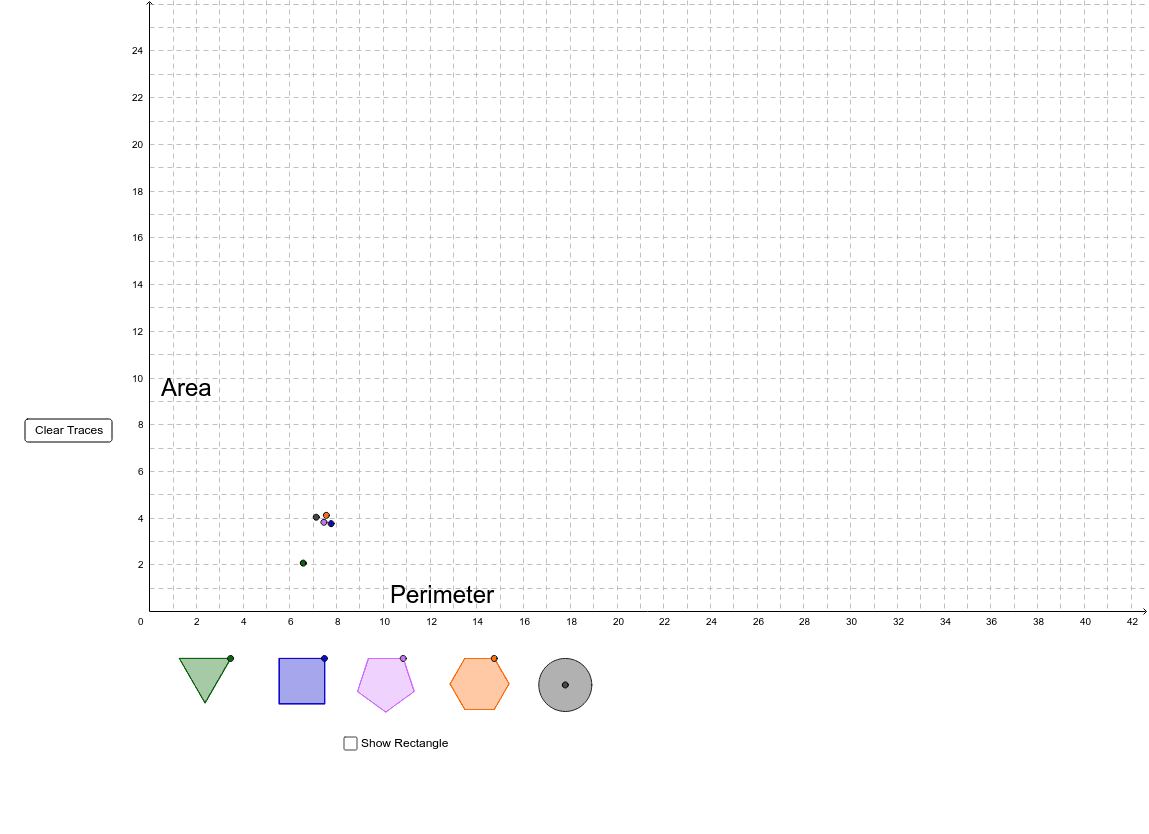
This example dynamically demonstrates the relationship between perimeter and area of polygons through interactive manipulation. Key math concepts include perimeter, area, polygons, dilation, and matrix operations. GeoGebra commands like Line, OrthogonalLine, Intersect, Polygon, and Circle are used to construct and animate shapes, allowing users to explore how changes in dimensions affect these measurements. Ideal for high school geometry instruction to illustrate the impact of transformations on geometric properties.
GeoGebra Commands & Parameters
Line(A, B) → lLine(R, xAxis) → aLine(DragRectangle, xAxis) → bOrthogonalLine(DragRectangle, b) → cOrthogonalLine(R, b) → dIntersect(b, d) → R_3Intersect(a, c) → R_4Polygon(R, R_4, DragRectangle, R_3) → poly1, a_1, d_1, b_1, c_1Point(l) → DragTrianglePoint(l) → EPolygon(DragTriangle, E, 3) → poly2, e, f, g, GPolygon(H, T_2, T_1) → poly3, j, h, iPoint(l) → DragSquarePoint(l) → DPolygon(DragSquare, D, 4) → Square, m, n, p, q, F, IPoint(l) → DragPentagonPoint(l) → KPolygon(DragPentagon, K, 5) → Pentagon, r, s, t, e_1, f_1, L, M, NPoint(l) → DragHexagonPoint(l) → PPolygon(DragHexagon, P, 6) → Hexagon, g_1, U, h_1, i_1, j_1, k_1, l_1, Q, S, TPoint(l) → WOrthogonalLine(W, l) → m_1Point(m_1) → DragCircleCircle(DragCircle, W) → p_1