
Collatz Sequence Tracing
Loading the math board and drawing, please wait…
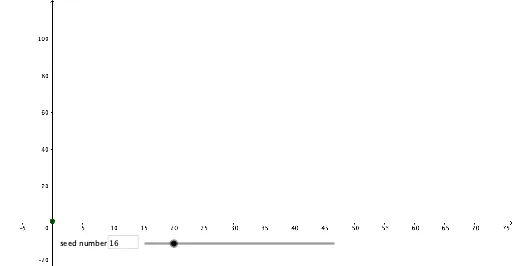
This example demonstrates the generation and visualization of the Collatz sequence. It involves core mathematical concepts such as sequences, natural numbers, and stochastic processes. Construction highlights include using GeoGebra commands/objects like Textfield, Sequence, Length, and PolyLine. Suitable for high school students and individuals interested in sequences and random processes.
GeoGebra Commands & Parameters
Textfield(myNum) → InputBox1Sequence((k, theSeq(Length[theSeq] - k)), k, 0, Length[theSeq] - 1) → l1Length(theSeq) → aPolyLine(l1) → fPolyLine(l1) → gSequence((k, theSeq(Length[theSeq] - k)), k, 0, Length[theSeq] - 1) → l2
AI Drawing Prompt Reference
Visualize the Collatz sequence by inputting a natural number, generating the sequence based on it, and displaying the changes with a polyline chart. Start drawing the polyline from the last number of the sequence in reverse order, and label the input number and the length of the sequence.
The prompt above was compiled from the original drawing commands and is for reference only.