
Perimeter and Area with Algebra Tiles
Loading the math board and drawing, please wait…
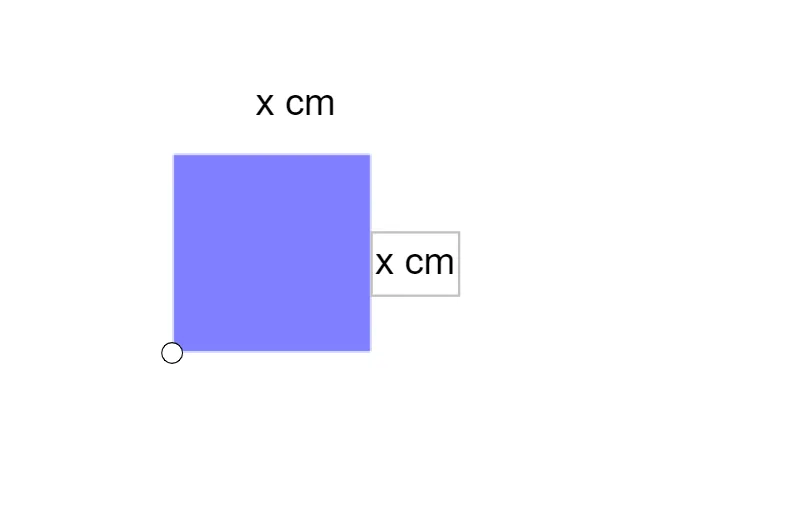
This GeoGebra example demonstrates how algebraic expressions relate to the perimeter and area of geometric shapes using algebra tiles. It visually shows how variables like x represent side lengths, and how polynomial expressions for perimeter and area can be built from tile arrangements. Core concepts include polynomial expressions, area formulas, perimeter calculations, and the connection between algebra and geometry. The construction uses the command PosXSquared to create x² tiles, along with objects A, q1, functions f, g, h, i, and text objects text1 and text2 to display results. Suitable for middle school to high school students learning introductory algebra or geometry, and useful for teachers to illustrate the meaning of algebraic terms in a concrete, visual way.
GeoGebra Commands & Parameters
PosXSquared(A) → q1, f, g, h, i
AI Drawing Prompt Reference
Draw a geometric shape to demonstrate how algebra tiles represent perimeter and area. Use a variable x for side lengths and build algebraic expressions for perimeter and area through tile arrangements. Focus on creating x² tiles and displaying results with functions and text to connect algebra and geometry concepts.
The prompt above was compiled from the original drawing commands and is for reference only.