
Perimeter and Area with Algebra Tiles Part II
Loading the math board and drawing, please wait…
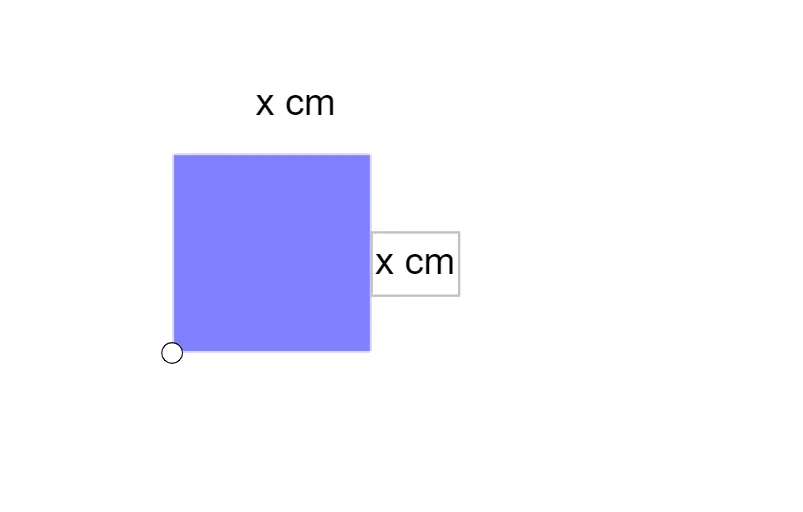
This example uses algebra tiles to visually demonstrate how algebraic expressions relate to the perimeter and area of geometric shapes. It focuses on expanding and simplifying algebraic expressions, polynomial multiplication, and representing perimeter and area formulas algebraically. The construction employs the GeoGebra command PosXSquared to create the x² tile object A, along with objects q1, f, g, h, i to form various tile arrangements, and text1/text2 to dynamically display the corresponding perimeter and area expressions. Suitable for middle school to high school students, it helps bridge algebra and geometry, fostering the ability to abstract algebraic relationships from visual models. Ideal for classroom demonstrations or self-paced exploration.
GeoGebra Commands & Parameters
PosXSquared(A) → q1, f, g, h, i
AI Drawing Prompt Reference
Draw a geometric shape using an x² algebra tile, showing its perimeter and area. First, create an x² algebra tile object, then arrange other tiles like q1, f, g, h, i around it to form different tile arrangements. Dynamically display the perimeter and area expressions of these tiles to help understand the relationship between algebraic expressions and geometric shapes.
The prompt above was compiled from the original drawing commands and is for reference only.