
Percentage Geometry Game: Perimeter and Right-Triangle Constructions
Loading the math board and drawing, please wait…
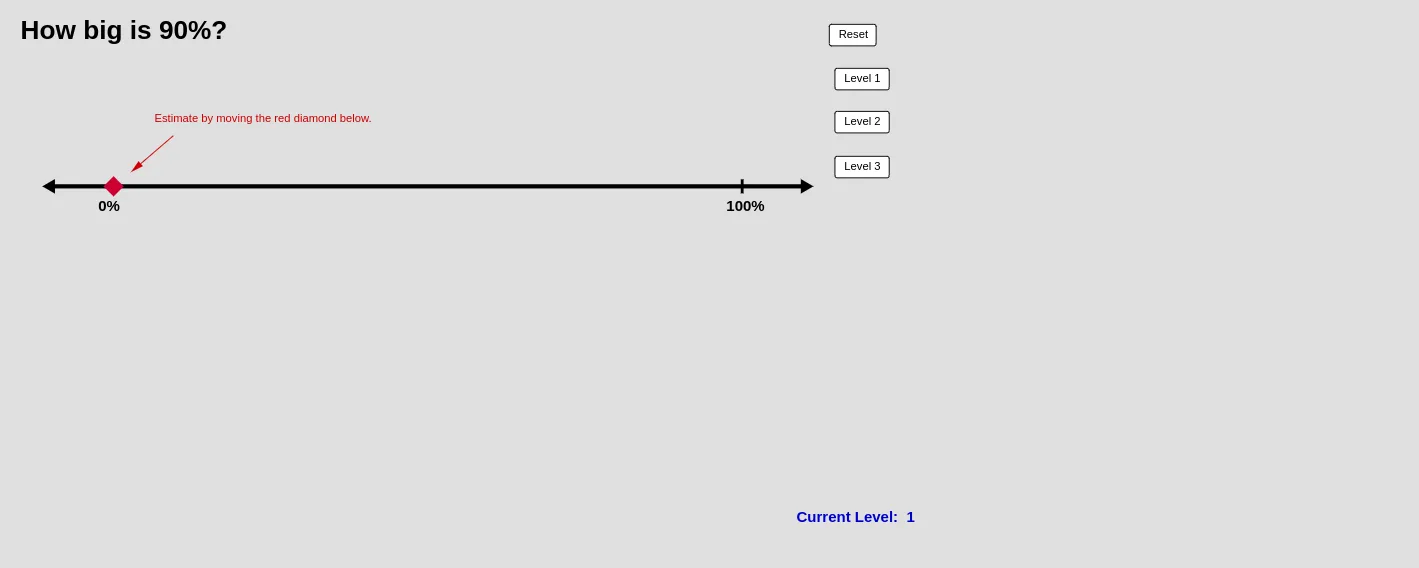
This GeoGebra example ("percentage game") demonstrates an interactive way to use percentage constraints to complete and check geometric measurements—typically by enforcing relationships between side lengths and perimeter/segment portions. The core mathematics includes percent calculation, proportional reasoning through perimeters, properties of right triangles, and geometric construction tools such as perpendicular (orthogonal) lines and intersections. Construction is implemented using GeoGebra commands extracted from the build: Segment, Point, Sequence, If (for game logic/answer validation), Vector (directional or auxiliary geometry), Intersect (finding intersection points), Textfield (user inputs/percentage parameters), and OrthogonalLine (constructing perpendiculars). The scene is assembled from key points/segments (e.g., A–D, E–J, plus intermediate constructs like list1) and on-graph text labels to guide the learner. Suitable for middle/high school teaching, classroom demonstrations, and engaging practice on ratios, perimeter, and right-triangle geometry.
GeoGebra Commands & Parameters
Segment(D, C) → aSegment(A, B) → bPoint(b) → ESequence(A + ((1, 0) * k), k, 1, 9) → list1If(level1, (10 * Random[1, 9]), If[level2, (5 * Random[1, 19]), Random[5, 95]]) → cPoint(b) → GVector(H, I) → uVector(J, F) → vVector(L, M) → wSegment(K, N) → fSequence((0, -3) + ((1, 0) * j), j, 1, 9) → list2Intersect(f, yAxis) → OPoint(f) → PIf(level1, (10 * Random[1, 10]), If[level2, (10 * Random[1, 30]), Random[5, 95]]) → gSegment(O, P) → hPoint(h) → QTextfield(estimate) → inputBox1Textfield(FinalAnswer) → inputBox2Vector(R, S) → jOrthogonalLine(G, f) → kOrthogonalLine(F, f) → lIntersect(l, f) → TVector(F, T) → m
AI Drawing Prompt Reference
Draw a geometric game scene with two line segments and points between them, controlled by a slider, showing percentage parameters, constructing perpendicular lines and finding intersections, with text boxes for inputting answers, demonstrating right triangles and proportional relationships, suitable for teaching demonstrations.
The prompt above was compiled from the original drawing commands and is for reference only.