
Magic Clock: Geometry Construction Showing Addition & Congruence
Loading the math board and drawing, please wait…
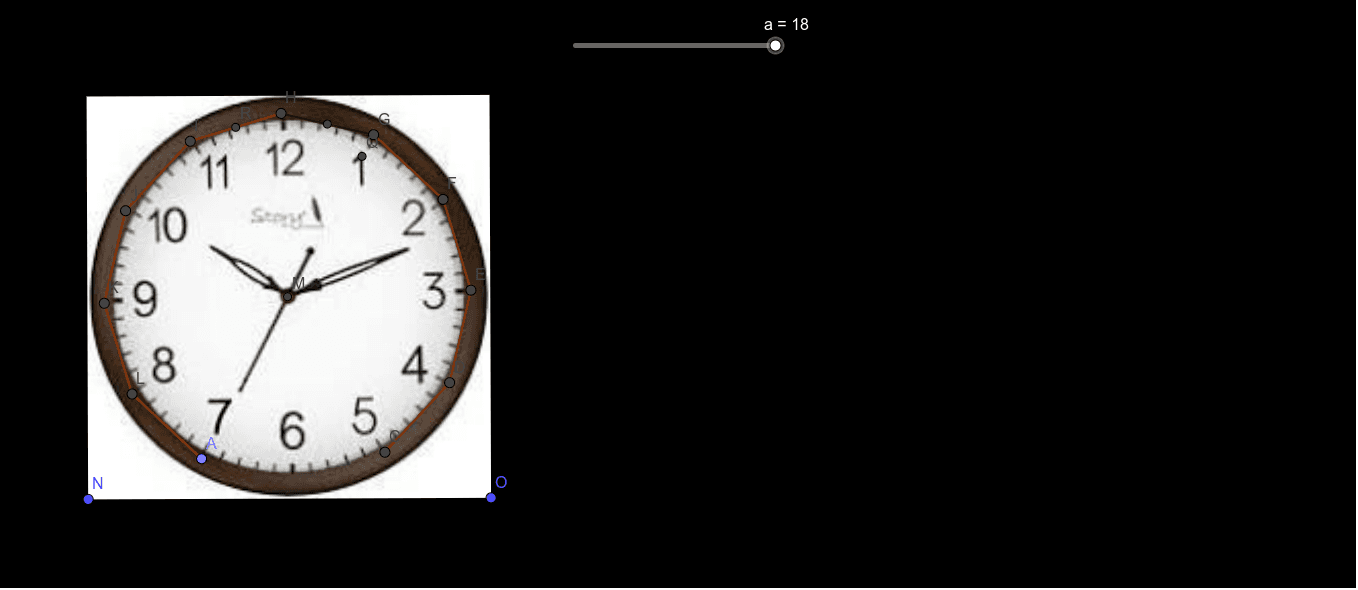
This GeoGebra example, presented as a “magic clock,” demonstrates how a circular construction can turn a stepwise “addition/iteration” idea into visible congruence behavior—producing clock-like pointer or tick evolution. It focuses on core concepts such as congruence (matching equal-angle/equal-arc steps on a circle), geometric construction tools (midpoints, angle bisectors, symmetry-like relationships), and a likely connection between repeated rotation steps and complex/exponential-style rotation representations suggested by the original theme. Construction highlights include creating key points and segments with Point, Segment, Polygon, and Midpoint; building structural constraints using LineBisector; locating key vertices via Intersect; defining the circle and its traced arc geometry with Circle and CircleArc; then combining these objects (including named construction variables and intermediate points) to generate the final “clock” configuration. Suitable for advanced secondary students and enrichment activities on congruence, circle geometry, and the geometric intuition behind function/complex-number style transformations.
GeoGebra Commands & Parameters
Point(yAxis) → APolygon(A, B, 12) → poly1, f, p, q, r, C, D, E, F, G, H, I, g, J, K, L, h, i, j, k, l, m, nSegment(B, H) → sLineBisector(H, B) → tIntersect(s, t) → MCircle(M, B) → cCircleArc(H, I, G) → dCircleArc(H, J, F) → eCircleArc(H, K, E) → c_1CircleArc(H, L, D) → d_1CircleArc(H, A, C) → e_1Segment(H, G) → bMidpoint(H, G) → PCircleArc(P, H, G) → f_1CircleArc(P, I, F) → g_1CircleArc(P, J, E) → h_1CircleArc(P, K, D) → k_1CircleArc(P, L, C) → p_1CircleArc(P, A, B) → r_1Midpoint(H, F) → QCircleArc(Q, H, F) → q_1CircleArc(Q, I, E) → s_1CircleArc(G, J, D) → t_1CircleArc(G, K, C) → c_2CircleArc(Q, L, B) → e_2Midpoint(I, H) → RCircleArc(R, J, G) → d_2CircleArc(R, K, F) → f_2CircleArc(R, L, E) → g_2CircleArc(R, A, D) → h_2CircleArc(R, B, C) → k_2
AI Drawing Prompt Reference
Draw a 12-sided polygon centered at point A, using the midpoint P of B and H to construct a series of concentric arcs, forming a clock-like pointer. Start by creating point A on the y-axis, then create the 12-sided polygon, find the midpoint P of B and H, and construct arcs around P, and finally construct more arcs around A and H to form the clock pointer effect.
The prompt above was compiled from the original drawing commands and is for reference only.