
Parametric Equations Demo
Loading the math board and drawing, please wait…
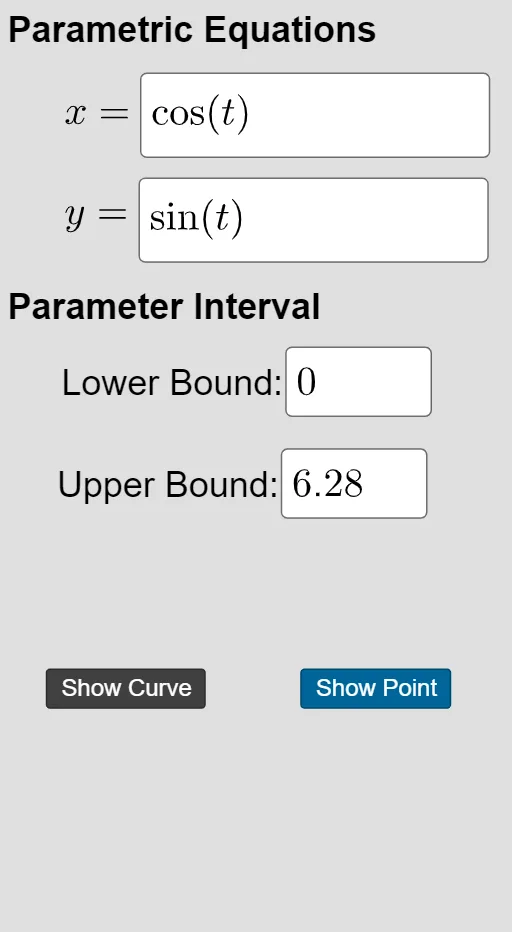
This example demonstrates how to plot 2D or 3D curves using parametric equations. Key math concepts include parametric equations, coordinate geometry, and function graphing. Construction highlights involve using commands like Textfield, Curve, Cartesian, with parameters t, f, g, controlled by InputBoxes and buttons for dynamic interaction. Suitable for high school students and math enthusiasts learning parametric equations applications and visualization.
GeoGebra Commands & Parameters
Textfield(f) → InputBox1Textfield(g) → InputBox2Textfield(b) → InputBox4CurveCartesian(f(u), g(u), u, a, t) → cTextfield(a) → InputBox3CurveCartesian(f(u), g(u), u, a, b) → dCurveCartesian(f(u), g(u), u, a, h) → p
AI Drawing Prompt Reference
Draw a 2D curve controlled by parameter t using functions f(t) and g(t). Input boxes set parameters a, b, and h. Draw the curve from a to b to h. Ensure the graph is clear and parameters can be adjusted to observe changes.
The prompt above was compiled from the original drawing commands and is for reference only.