
P6 Symmetry Appreciating Symmetric Shapes
Loading the math board and drawing, please wait…
In collections
P6 6S1 對稱 (中文版)
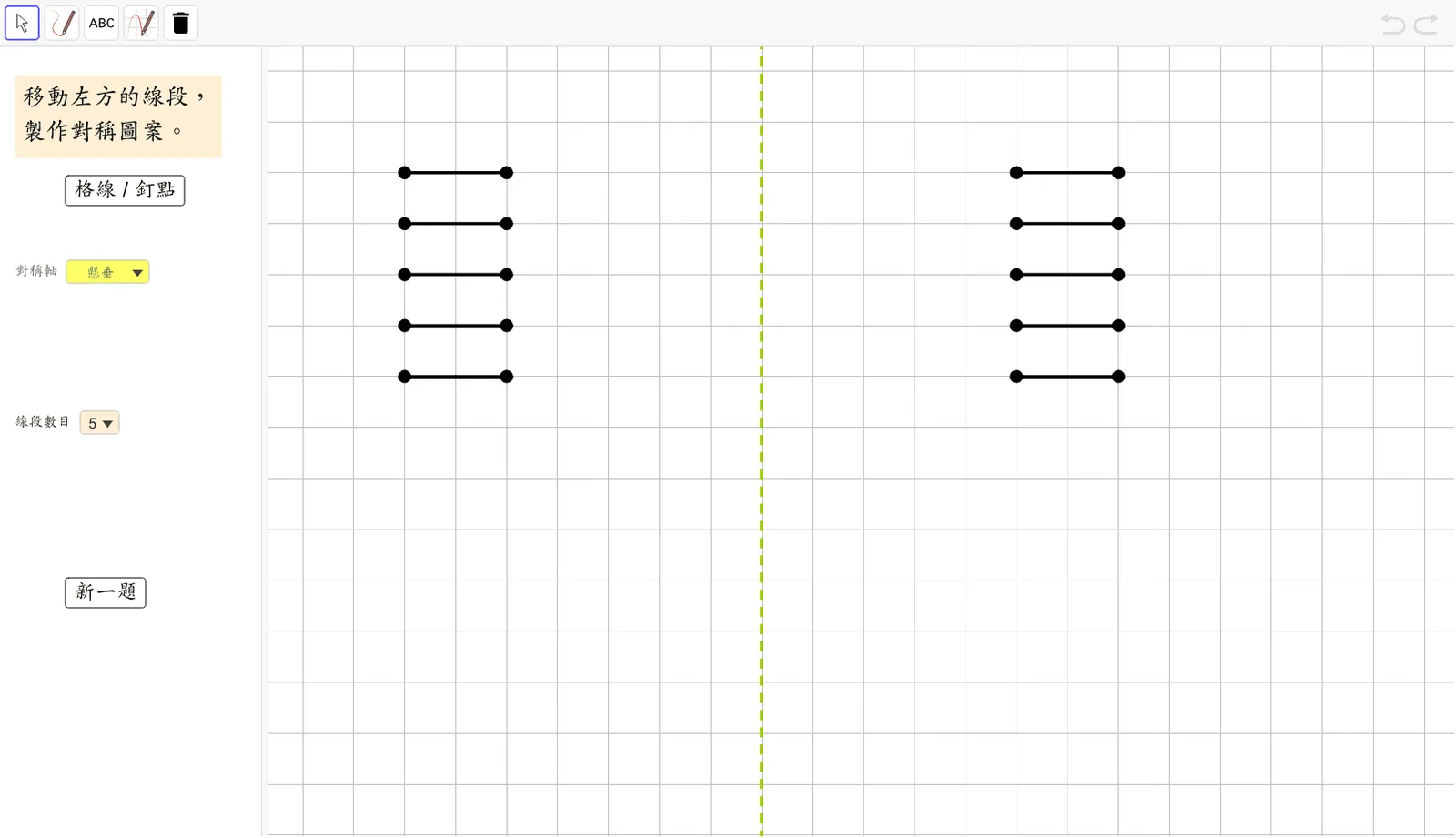
This example demonstrates the appreciation and understanding of symmetric shapes through dynamic demonstrations, showcasing the symmetry of figures. The core mathematical concepts involved include symmetry, geometric transformations, parametric equations, and analytical geometry. The construction utilizes GeoGebra commands/objects such as IndexOf, Element, Segment, Sequence, Mirror, ListSymA, NumSymA, SymA4, SymA3, SymA2, SymA1, SymA, buttonGridDot, ShowDots, Red1a, Red1b, Red2a, Red2b, Red3a, Red3b, Red4a, Red4b, Red1, Red2, Red3, Red4, ListDots, buttonNewQ, ListNumSeg, NumSeg, Red5a, Red5b, Red5, Red1a', Red1b', RefRed1, Red2a', Red2b', RefRed2, Red3a', Red3b', RefRed3, Red4a', Red4b', RefRed4. It is suitable for upper elementary or middle school students learning the properties of symmetric figures and understanding the application of geometric transformations.
GeoGebra Commands & Parameters
IndexOf(SelectedElement[ListSymA], ListSymA) → NumSymAElement({SymA1, SymA2, SymA3, SymA4}, NumSymA) → SymASegment(Red1a, Red1b) → Red1Segment(Red2a, Red2b) → Red2Segment(Red3a, Red3b) → Red3Segment(Red4a, Red4b) → Red4Sequence(Sequence[(s, t), s, -14, 12], t, -8, 8) → ListDotsIndexOf(SelectedElement[ListNumSeg], ListNumSeg) → NumSegSegment(Red5a, Red5b) → Red5Mirror(Red1a, SymA) → Red1a'Mirror(Red1b, SymA) → Red1b'Segment(Red1a', Red1b') → RefRed1Mirror(Red2a, SymA) → Red2a'Mirror(Red2b, SymA) → Red2b'Segment(Red2a', Red2b') → RefRed2Mirror(Red3a, SymA) → Red3a'Mirror(Red3b, SymA) → Red3b'Segment(Red3a', Red3b') → RefRed3Mirror(Red4a, SymA) → Red4a'Mirror(Red4b, SymA) → Red4b'Segment(Red4a', Red4b') → RefRed4Mirror(Red5a, SymA) → Red5a'Mirror(Red5b, SymA) → Red5b'Segment(Red5a', Red5b') → RefRed5
AI Drawing Prompt Reference
Create an interactive geometric canvas showing symmetric shapes. Place a grid of dots spanning x from -14 to 12 and y from -8 to 8. Draw five red line segments, each defined by two endpoints, at various positions. Include a symmetry axis whose orientation is chosen from four preset options. Reflect each red segment across this axis to produce five corresponding reflected segments, visually distinct. The composition highlights the mirror relationship between original and reflected shapes, aiding in understanding symmetry transformations.
The prompt above was compiled from the original drawing commands and is for reference only.