
Ornamental Sphere
Loading the math board and drawing, please wait…
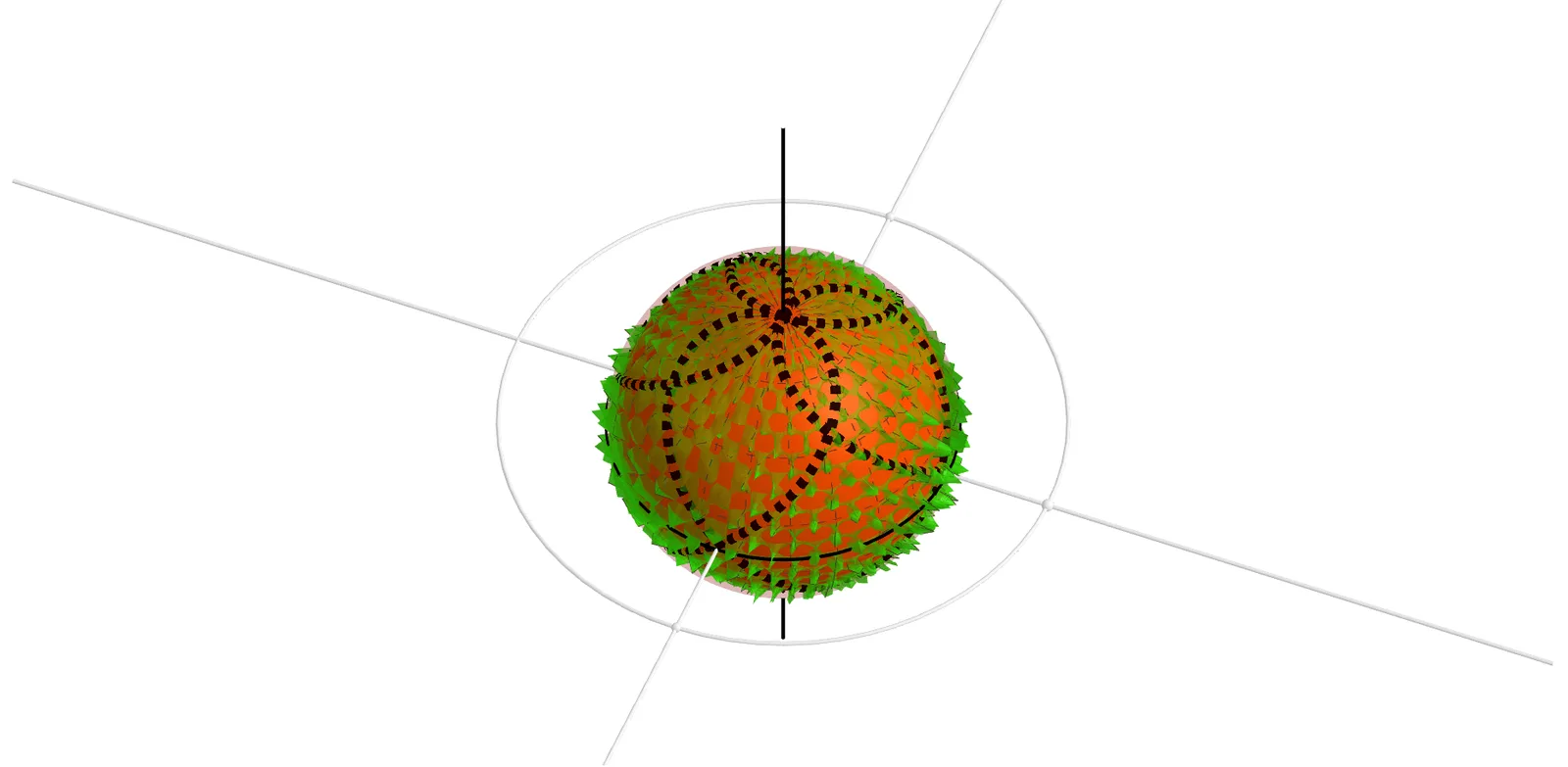
This example demonstrates the construction of an ornamental sphere using geometric elements like spheres, circles, and lines. It involves core mathematical concepts including sphere, dilation, integral calculus, vectors, definite integral, and translation. The construction utilizes GeoGebra commands such as Intersect, Sphere, Circle, Line, Mirror, CurveCartesian, Point, and Surface. It is suitable for high school and above students studying solid geometry, calculus, and vector mathematics.
GeoGebra Commands & Parameters
Intersect(xAxis, zAxis) → ESphere(E, X_1) → eCircle(zAxis, X_1) → kLine(E, Z) → pIntersect(p, e, 2) → DMirror(D, E) → D'Line(X_1, E) → x1CurveCartesian(((a * cos(v)) * sin(v)), ((a * sin(v)) * sin(v)), (a * cos(v)), v, 0, (π * 2)) → bCurveCartesian(((a * sin(v)) * sin(v)), ((a * cos(v)) * sin(v)), (a * cos(v)), v, 0, (π * 2)) → uMirror(b, E) → b'Mirror(u, E) → u'Point(x1) → XCircle(p, X) → cSurface((((x(R) * cos(v)) * sin(u)) * (1 + ((1 / 6 * cos(((8 * π) * v))) * sin(((8 * π) * u))))), (((x(R) * sin(v)) * sin(u)) * (1 + ((1 / 6 * sin(((8 * π) * v))) * sin(((8 * π) * u))))), (x(R) * cos(u)), u, 0, π, v, 0, (π * 2)) → a_1Surface(((x(R) * cos(v)) * sin(u)), ((x(R) * sin(v)) * sin(u)), (x(R) * cos(u)), u, 0, π, v, 0, (π * 2)) → hIntersect(f, c) → Y, B
AI Drawing Prompt Reference
Draw an ornamental sphere by first creating a sphere e with center E and radius X_1, then drawing a circle k with z-axis and X_1 as parameters, followed by a line p through E and Z, intersecting sphere e to get point D, and mirroring D to E to get D'. Next, draw a line x1 through X_1 and E, and two helical curves b and u, then mirror b and u to E to get b' and u'. Draw a surface a_1 and h with x1 as parameter, and find their intersections Y and B with circle c.
The prompt above was compiled from the original drawing commands and is for reference only.