
Oblique Prism by James Fields
Loading the math board and drawing, please wait…
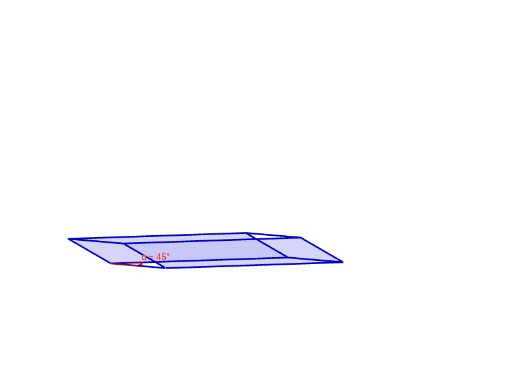
This example demonstrates the construction of an oblique prism. Key mathematical concepts include the properties of prisms, plane figures, and shapes. Using GeoGebra commands such as Intersect, Point, and Polygon, various faces and edges of the oblique prism can be constructed. Suitable for middle school and above students or teachers for geometric construction lessons.
GeoGebra Commands & Parameters
Intersect(yAxis, zAxis) → APoint(xAxis) → BPoint(yAxis) → DPolygon(A, B, C, D) → poly1, a, b, c, dPrism(poly1, E) → e, F, edgeBF, edgeCG, edgeDH, edgeEF, edgeFG, edgeGH, edgeEH, G, H, faceABFE, faceBCGF, faceCDHG, faceADHE, faceEFGH, edgeAEAngle(H, D, C) → αIntersectPath(f, e) → poly2, poly3, I, J, K, L, Q, R, S, T, U, V, poly4, W, Z, A_1, B_1, C_1, D_1, E_1, F_1, G_1, H_1, poly5, l, m, n, p, g, i, j, k, q, r, poly6, s, f_1, g_1, h_1, i_1, j_1, k_1, l_1, m_1, n_1, poly7, p_1, q_1, r_1, s_1, M, N, O, P
AI Drawing Prompt Reference
Draw an oblique prism. Start with a base quadrilateral whose vertices lie on the coordinate axes and their intersections. Extrude the base upward along slanted edges to form the prism. Mark one interior angle of the base. Then intersect the prism with a plane, revealing a polygonal cross-section and its intersection points with the prism's faces. Show the 3D solid with all faces, edges, vertices, and the cutting plane.
The prompt above was compiled from the original drawing commands and is for reference only.