
Number To Words Practice
Loading the math board and drawing, please wait…
In collections
Place Value
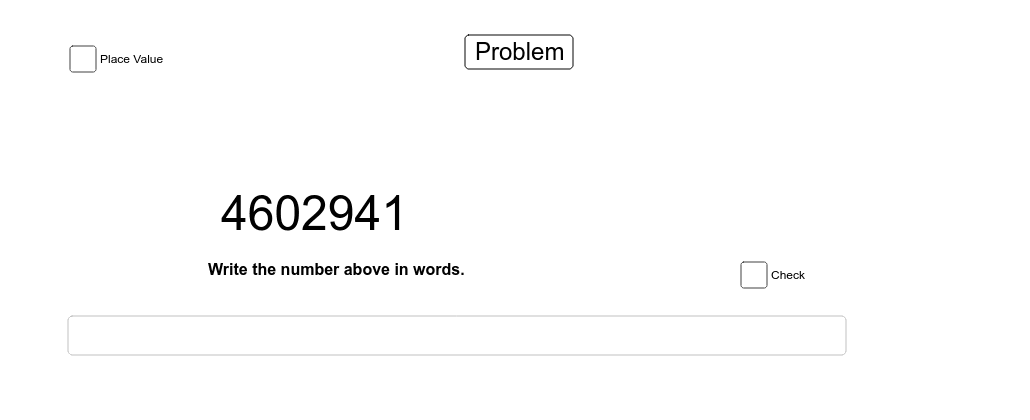
① This interactive GeoGebra example demonstrates a practice tool for converting numbers to their English word forms, where users are prompted to type the word for a randomly generated number. ② The core mathematical concepts include number representation, place value, and basic arithmetic, combined with text processing and conditional logic. ③ Construction details: The applet uses GeoGebra commands such as Random to generate random numbers, Text to display numbers and words, Length and Element to manipulate strings, Textfield for user input, and If to check answers; objects include gen, A1-A5, B1, B2, and E1-E31 which store random values, user responses, and feedback. ④ This is suitable for early elementary students or English language learners to practice number-word correspondence, and can be used in classroom activities to reinforce numeracy and literacy skills.
GeoGebra Commands & Parameters
Random(1, 9) → genRandom(0, (999 * gen / gen)) → A2Random(0, (9 * gen / gen)) → A3Random(0, (9 * gen / gen)) → A4Random(0, (9 * gen / gen)) → A5Random(0, (9 * gen / gen)) → A1Text(B1) → B2Length(list1) → cLength(list2) → dRandom(1, 70) → A10Element(list2, A10) → B11Textfield() → inputBox1If(B11 < 1000000, x = 0.6) → iIf(B11 < 1000000, x = 0.6) → jIf(B11 < 1000000, x = 0.6) → lIf(B11 < 1000000, x = 0.6) → mIf(B11 < 1000000, x = 0.6) → nIf(B11 < 1000000, x = 0.6) → pIf(B11 < 1000000, x = 0.6) → qIf(B11 < 1000000, x = 0.6) → rIf(B11 < 1000000, x = 0.6) → sIf(B11 < 1000000, x = 0.6) → tElement(list1, A10) → A11
AI Drawing Prompt Reference
Create an interactive graphic showing a practice tool for converting numbers to English words. Randomly generate a number between 1 and 9, and create a three-digit number based on it. Display the number and its corresponding English word, asking users to input their guess. Provide immediate feedback on the user's input, such as word length and correctness. Use a slider to control the random number generation, and collect user inputs via a text box, combining conditional logic to check answers and ultimately creating a tool for beginners to practice number-word correspondence.
The prompt above was compiled from the original drawing commands and is for reference only.