
Multiplying 1-Digit and Decimal Numbers
Loading the math board and drawing, please wait…
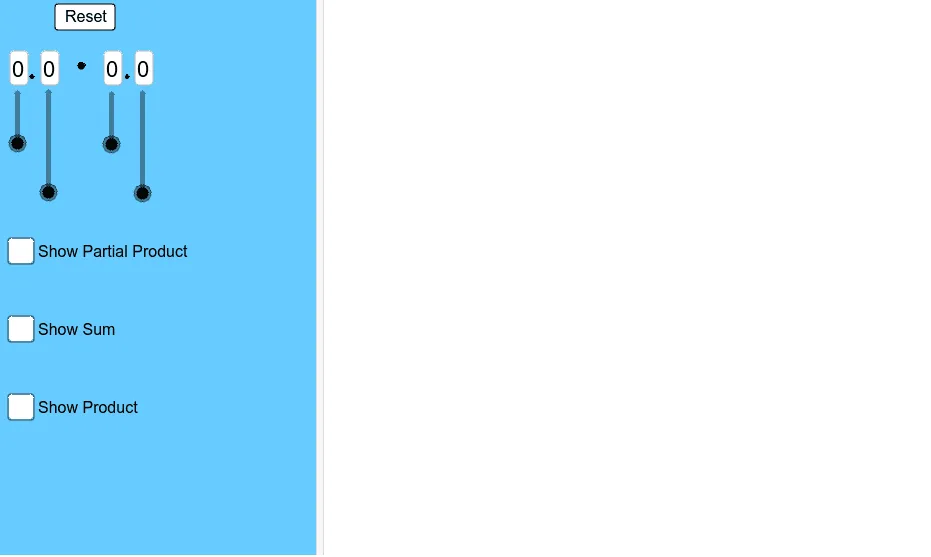
This example demonstrates how to perform multiplication between 1-digit numbers and decimals using GeoGebra, visually showing the calculation process through an interactive interface. Core math concepts involved include decimal operations, multiplication rules, and numerical calculations. Key construction points involve using GeoGebra commands and objects such as Textfield for displaying results, Intersect for calculating intersections, OrthogonalLine for drawing perpendicular lines, Polygon for constructing polygons, and Midpoint for finding midpoints. Suitable for junior high school mathematics teaching, helping students understand the geometric meaning and calculation methods of decimal multiplication.
GeoGebra Commands & Parameters
Textfield(d) → InputBox1Textfield(e) → InputBox2Textfield(f) → InputBox3Textfield(g) → InputBox4Intersect(xAxis, yAxis) → AOrthogonalLine(C, yAxis) → iOrthogonalLine(B, yAxis) → jOrthogonalLine(D, xAxis) → lOrthogonalLine(E, xAxis) → mIntersect(j, l) → FIntersect(i, l) → GIntersect(i, m) → HIntersect(j, m) → IPolygon(C, B, F, G) → poly1, c_1, b_1, f_1, g_1Polygon(F, G, H, I) → poly2, f_2, g_2, h_1, i_1Polygon(F, D, E, I) → poly3, f_3, d_1, e_1, i_2Polygon(F, B, A, D) → poly4, f_4, b_2, a_1, d_2Midpoint(B, G) → JMidpoint(F, H) → KMidpoint(D, I) → LMidpoint(A, F) → M
AI Drawing Prompt Reference
On a coordinate plane, start from the origin and mark points along the horizontal and vertical axes, with four input boxes for values. Draw perpendicular lines from these points to the axes, and their intersections create four points that form three adjacent rectangles. Then construct a larger rectangle using the origin, axis points, and these intersection points. Take midpoints on the sides of each small rectangle and connect them to form auxiliary segments. The overall figure illustrates a geometric area model for multiplying a one-digit number by a decimal, using rectangle subdivision and midpoint connections to visually show the multiplication process.
The prompt above was compiled from the original drawing commands and is for reference only.