
Multiplication Table Quiz
Loading the math board and drawing, please wait…
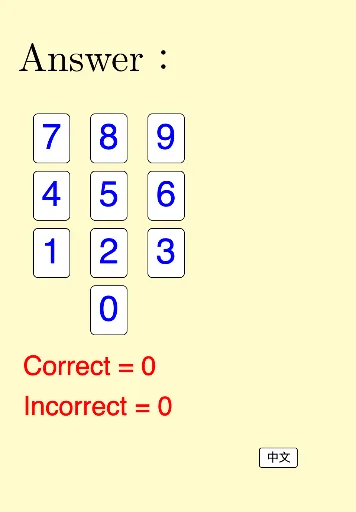
This example demonstrates an interactive multiplication table quiz where users can practice multiplication operations by clicking buttons. Core math concepts include multiplication, probability & statistics, conditional probability, and area calculation. It is constructed using commands like Random, Sequence, RandomElement, Flatten, Zip in GeoGebra. Suitable for middle school and above students for math learning and practice.
GeoGebra Commands & Parameters
Random(1, 9) → nRandom(1, 9) → mSequence(Sequence[(i, j), i, 1, m], j, 1, n) → list1Random(1, 2) → qRandomElement({pic1, pic2, pic3, pic4, pic5, pic6, pic7, pic8, pic9, pic10, pic11, pic12, pic13, pic14, pic15, pic16, pic17, pic18, pic19, pic20}) → picFlatten(list1) → list2Zip(Translate[pic, Vector[(0, 0), k]], k, list2) → list3
AI Drawing Prompt Reference
Create an interactive multiplication table quiz with randomly generated numbers between 1 and 9 as multipliers, display multiplication results using graphics arranged in rows and columns, randomly select a picture and tile it to each product position to show the application of multiplication and probability statistics.
The prompt above was compiled from the original drawing commands and is for reference only.