
Comparing Mean, Median, and Mode in a Dot Plot
Loading the math board and drawing, please wait…
In collections
Probability and Statistics
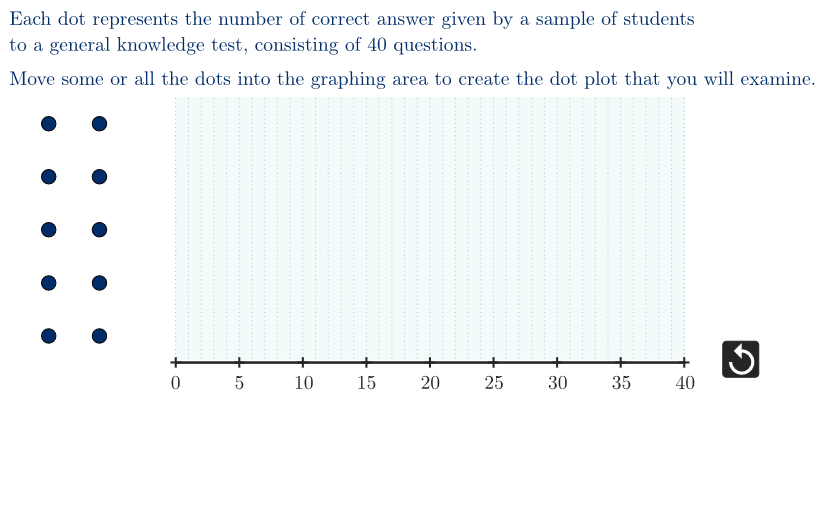
This example explores how the mean, median, and mode—three common measures of central tendency—behave on the same dot-plot dataset. By prompting open-ended questions, learners investigate how the distribution shape and repeated values affect each statistic. The key mathematical ideas are probability & statistics concepts (mean, median, mode) and interpreting dot-plot patterns such as skewness and the role of frequency. Construction uses GeoGebra tools to build and manage the data: points are generated and filtered into a feasible domain (e.g., PointIn, KeepIf, Zip, Sequence), then the dataset is summarized with mean, Median, and Mode to produce mu, medn, and mode-related results. The computed values are displayed and annotated via objects like showMu/showMedn/showMode and textMu/textMedn/textMode, while geometric elements (Polygon, Segment, Vector) and labeled reference guides help visualize where each statistic sits relative to the dot plot. Suitable for middle/high school statistics and guided classroom inquiry about which measure best represents a dataset.
GeoGebra Commands & Parameters
Polygon({(-10, 0), (40, 0), (40, 10), (-10, 10)}) → ptsFeasiblePointIn(ptsFeasible) → MPointIn(ptsFeasible) → LPointIn(ptsFeasible) → KPointIn(ptsFeasible) → JPointIn(ptsFeasible) → IPointIn(ptsFeasible) → HPointIn(ptsFeasible) → GPointIn(ptsFeasible) → FPointIn(ptsFeasible) → EPointIn(ptsFeasible) → DSequence(Segment[(0, k), (50, k)], k, 0, 10) → orizzSequence(Segment[(k, 0), (k, 10)], k, 0, 40) → vertSequence((k, 0), k, 0, 40, 5) → xGridSequence(LaTeX[("" * t)], t, 0, 40, 5) → allXLabelsZip(Text[("" * A), B, false, true, 0, 0], A, allXLabels, B, xGrid + (0, -0.65)) → xLabelsInPlaceSegment(O, A) → segmBasePolygon({O, A, B, C}) → ptsDomainKeepIf(IsInRegion[A, ptsDomain], A, given) → placedmean(mySample) → muMedian(mySample) → mednMode(mySample) → allModeSequence(Vector[(Element[allMode, n], -4), (Element[allMode, n], 0)], n, 1, Length[allMode]) → vecModeVector((medn, -3), (medn, 0)) → vecMednVector((mu, -2), (mu, 0)) → vecMuSegment((Min[mySample], 0), (Max[mySample], 0)) → segmRangePolygon({C, B, (x(B), 0.1), (0, 0.1)}) → dataBoxSequence(Text["$\text{mode}$", (Element[allMode, k] - 1.8, -4), false, true], k, 1, Length[allMode]) → labelMode
AI Drawing Prompt Reference
Create a dot plot with 50 points, where the positions of the points are determined by integers on the x-axis. Then calculate the mean, median, and mode of these points and mark their positions on the dot plot. Draw a rectangle to represent the data range and use arrows to indicate the positions of the mean, median, and mode.
The prompt above was compiled from the original drawing commands and is for reference only.