
Multiplication Demonstration by RV'SMath
Loading the math board and drawing, please wait…
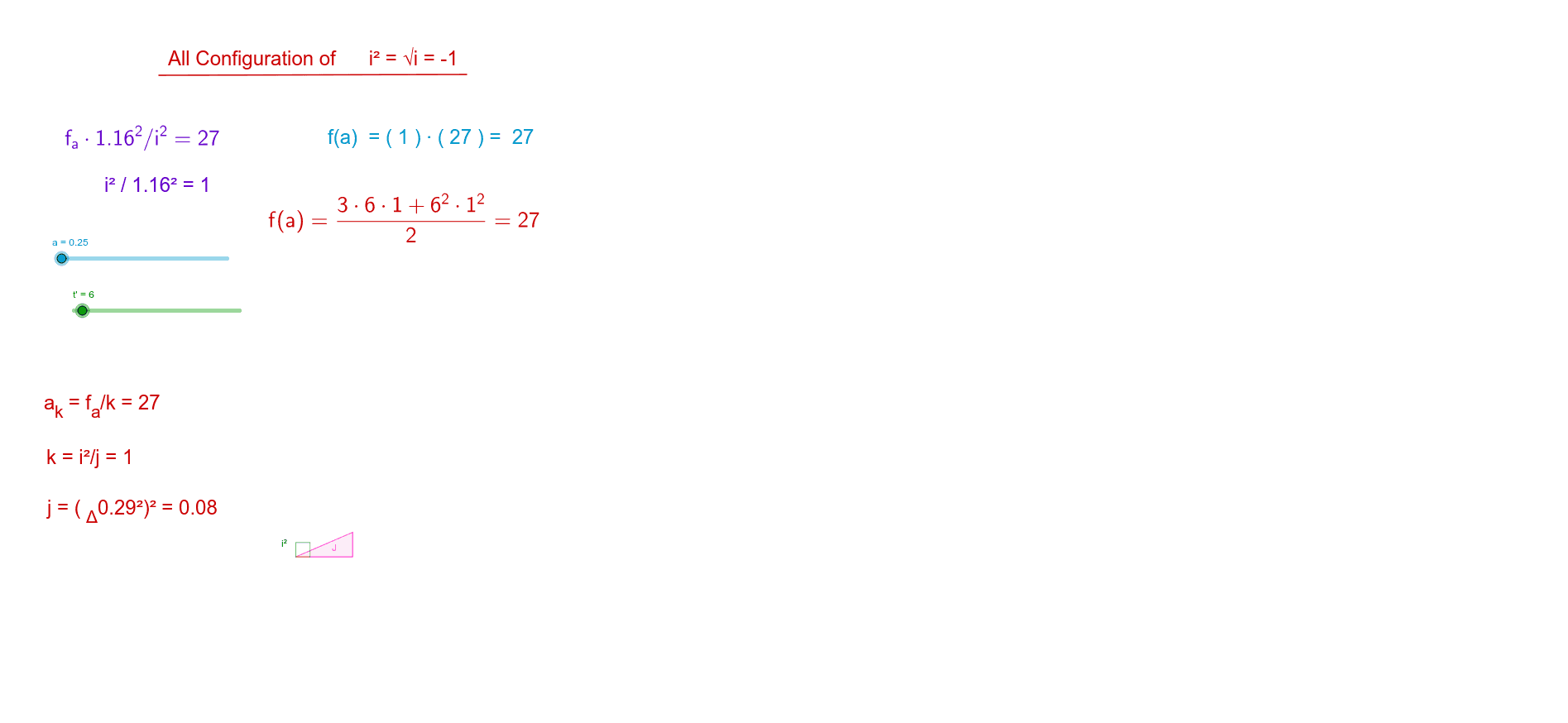
This example shows how to generate intersection points and geometric shapes using GeoGebra to illustrate multiplication principles. Core math concepts include vectors, polygons, integrals, and geometric constructions. Construction highlights: Point, Vector, Polygon, Segment, Line, Intersect, Integral, Textfield commands/objects are used. Suitable for high school mathematics teaching and geometric concept exploration.
GeoGebra Commands & Parameters
Point(r) → CVector((0, 0), (1.16, a^(0.5))) → dPoint(d) → EVector((1.16, 0), (1.16, a^(0.5))) → cPoint(c) → FPolygon(D, E, F) → poly2, f_1, d_2, e_1Point(b) → APoint(w) → BPolygon(D, A, C, B) → poly1, d_1, a_1, c_1, b_1Segment(C, B) → gPoint(u) → GPoint(v) → HPolygon(D, H, G) → poly3, g_1, d_3, hLine(H, G) → lIntersect(p, l, (-0.7319959698095877, 0.4809480735941872)) → IIntersect(q_2, l, (0.48164500288537104, -0.730547944823769)) → JSegment(I, J) → iVector(((t * a), 0)) → mPoint(n) → LVector((((3 * t) * a / 2), 0)) → sPoint(s) → KPolygon(D, K, L) → poly4, l_1, d_4, k_1Integral(q_2, 1, (a * 3)) → m_1Intersect(q, f, (3.15653235852592, 27.000000000000007)) → MIntegral(q, 1, 1.79) → r_1Textfield(a) → InputBox1Segment(N, O) → e