
Multiplication Arrays
Loading the math board and drawing, please wait…
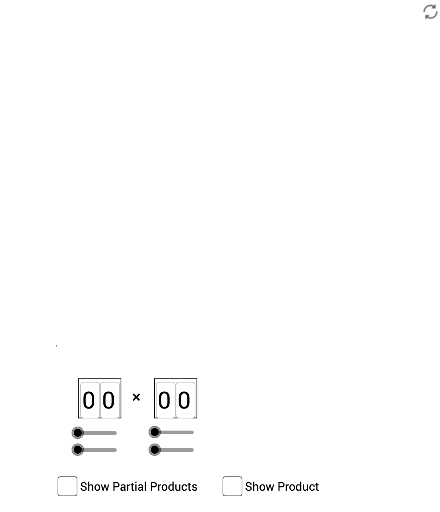
This example dynamically demonstrates multiplication arrays, visually illustrating the relationship between multiplication and geometric shapes. It involves core math concepts like multiplication, geometric construction, and coordinate geometry. Construction highlights include using commands such as Polygon, Midpoint, Segment, Intersect, and Textfield in GeoGebra. Suitable for middle school and above students learning multiplication principles and geometric constructions.
GeoGebra Commands & Parameters
Polygon(A, D, F, B) → poly1, a_1, d_1, f, b_1Polygon(D, E, H, F) → poly2, d_2, e, h, f_1Polygon(F, H, I, G) → poly3, f_2, h_1, i, gPolygon(B, F, G, C) → poly4, b_2, f_3, g_1, c_1Midpoint(A, B) → JMidpoint(B, C) → KMidpoint(A, D) → LMidpoint(D, E) → MSegment(C, F) → lSegment(B, G) → mSegment(G, H) → nSegment(F, I) → pSegment(F, E) → qSegment(D, H) → rSegment(F, A) → sSegment(B, D) → tIntersect(s, t) → NIntersect(l, m) → OIntersect(n, p) → PIntersect(q, r) → QTextfield(a) → InputBox1Textfield(b) → InputBox2Textfield(c) → InputBox3Textfield(d) → InputBox4Polygon(R, S, T, U) → poly5, r_1, s_1, t_1, u_1Polygon(V, W, Z, A_1) → poly6, v_1, w_1, z_1, a_2