
Moiré Effect from Crossing Sinusoids
Loading the math board and drawing, please wait…
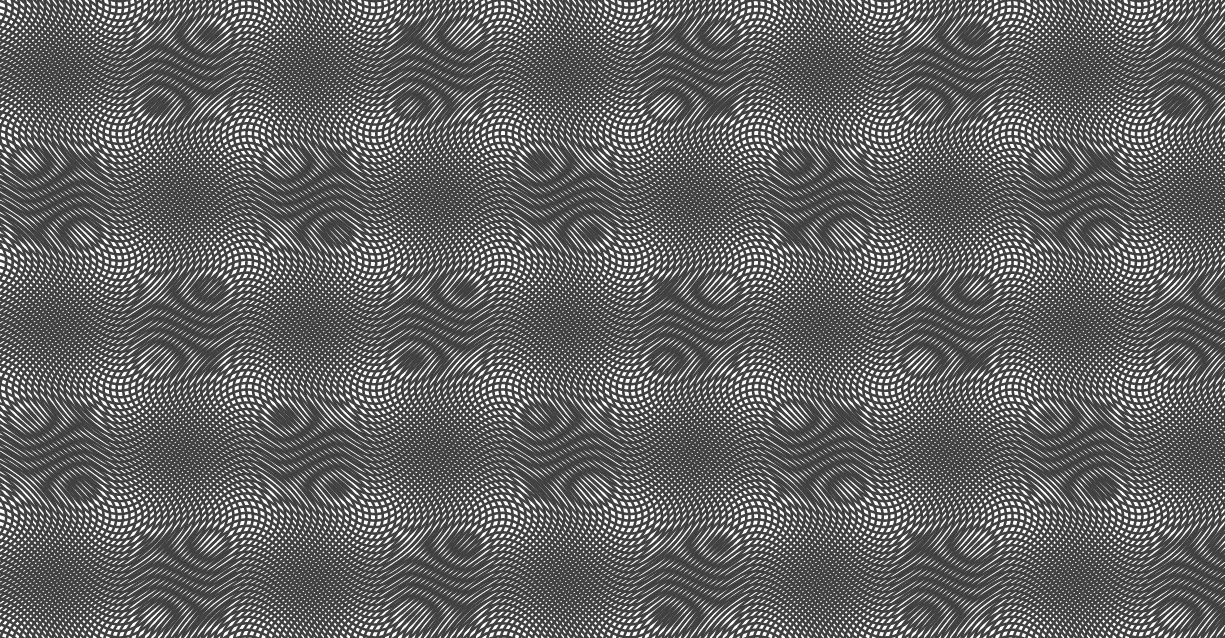
This example demonstrates the moiré (moire) pattern that emerges when two sinusoidal curves with a small frequency/phase difference are crossed or interwoven, producing striking bands of constructive/destructive interference. The key mathematical ideas are periodicity of sine functions, parametric curve construction (sampling points via a parameter), and how relationships between trigonometric waves create large-scale visual structure from small-scale oscillations. In GeoGebra, the build is driven by the Sequence command to generate a parameterized set of points/segments, using objects such as A, R, w, L, a, b, c, and l1/l2 to encode the parameters and geometric/function components, culminating in the rendered image image1. Suitable for secondary school through early undergraduate learners studying trigonometry, function graphing, and graphical modeling with parameter-based constructions.
GeoGebra Commands & Parameters
Sequence(CurveCartesian[x(A) + i, y(A) + (R * sin((w * i) + a)) + j, i, 0, (L * π)], j, (-b), b, 1 / c) → l1Sequence(CurveCartesian[x(A) + sin((w * i) - a) + j, y(A) + i, i, (-b), b], j, 0, (L * π), 1 / c) → l2
AI Drawing Prompt Reference
Draw two sine curves with a slight phase difference that cross to form a Moiré pattern. First, draw a sine curve, then move along it while changing the phase to generate a series of curves, which are offset vertically from the original curve. Next, draw another sine curve, moving along it while changing the phase to generate a series of curves, which are offset horizontally from the original curve. Finally, these two sets of curves cross, forming distinct interference bands.
The prompt above was compiled from the original drawing commands and is for reference only.