
Maze Transformation Challenge
Loading the math board and drawing, please wait…
In collections
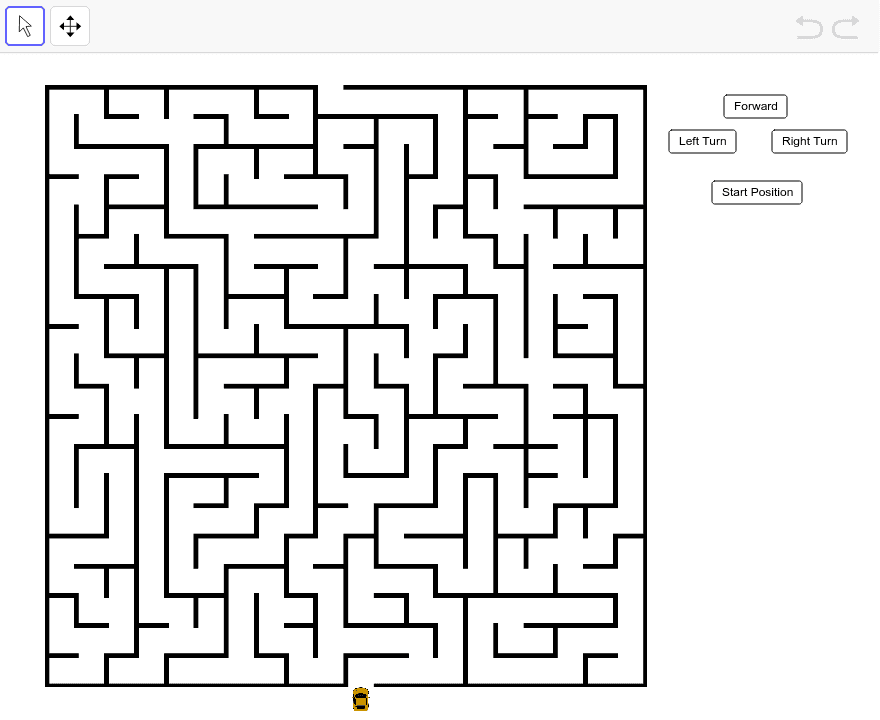
"A-Mazing" Translation and Rotation Practice
This is a collaborative effort! John Golden's buttons make big mazes possible. The example demonstrates how to generate mazes through translation and rotation operations. Key mathematical concepts include geometric transformations. It uses Vector, Rotate, Object, etc., GeoGebra commands. Suitable for middle school and above students to learn geometric transformations.
GeoGebra Commands & Parameters
Vector(C, D) → RTVector(C, Rotate[D, 90*°, C]) → FDRotate(C, 270*°, D) → C'Rotate(C, 270*°, D) → C'_1
AI Drawing Prompt Reference
Draw a maze starting from points C and D. First, create a vector RT by translating point C to point D. Then, rotate point C 90 degrees around vector FD to get a new point. Next, rotate point C 270 degrees counterclockwise around point D to get C', and then rotate C' another 270 degrees counterclockwise around point D to get C'_1.
The prompt above was compiled from the original drawing commands and is for reference only.