
Long Division with Feedback
Loading the math board and drawing, please wait…
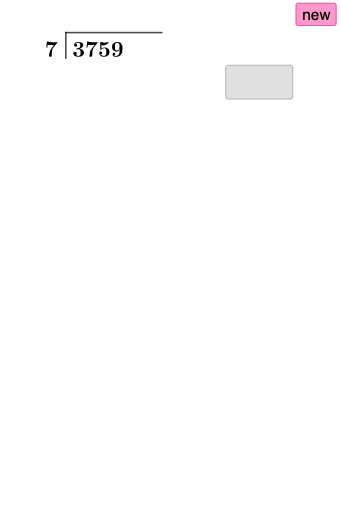
This example demonstrates long division through geometric visualization, involving concepts like random variables and quadratic equations. It uses GeoGebra commands such as Random and Segment for construction, suitable for middle school mathematics.
GeoGebra Commands & Parameters
Random(101, 998) → k_{1}RandomElement(l1) → a_{1}Segment(A, B) → f_{1}Segment(B, C) → g_{1}Textfield(c_{1}) → aTextfield(d_{1}) → bSegment(D, E) → h_{1}Textfield(e_{1}) → cIf(d_{1} ≟ (c_{1} * a_{1}), "☺", "☹") → text4If(true1, "☺", "☹") → text5Textfield(i_{1}) → dTextfield(j_{1}) → eIf(true2, "☺", "☹") → text6Translate(D, Vector[(0, -3)]) → D'Translate(E, Vector[(0, -3)]) → E'Segment(D', E') → h'Textfield(l_{1}) → fIf(true3, "☺", "☹") → text7Textfield(m_{1}) → gTextfield(n) → hIf(true4, "☺", "☹") → text8Translate(D', Vector[(0, -3)]) → D''Translate(E', Vector[(0, -3)]) → E''Segment(D'', E'') → h''Textfield(o) → iIf(true5, "☺", "☹") → text9Textfield(p) → jTextfield(q) → kTranslate(D'', Vector[(0, -3)]) → D'''Translate(E'', Vector[(0, -3)]) → E'''Segment(D''', E''') → h'''If(true6, "☺", "☹") → text10Textfield(r) → lIf(true7, "☺", "☹") → text11Textfield(s) → mIf(true8, "☺", "☹") → text13
AI Drawing Prompt Reference
On a coordinate plane, draw two adjacent line segments to serve as the geometric base for a long-division style construction: place a first segment and then a second segment continuing from the end of the first. Add several editable numeric inputs and display feedback symbols (smiling or frowning) that reflect simple comparisons among the inputs. Then translate the relevant endpoints downward by a fixed vertical vector to create the next corresponding pair of endpoints, connect them to form the next line segment stage, and repeat the translate-and-connect pattern to show multiple feedback steps.
The prompt above was compiled from the original drawing commands and is for reference only.