
Logo Carrefour (Bézier Curve)
Loading the math board and drawing, please wait…
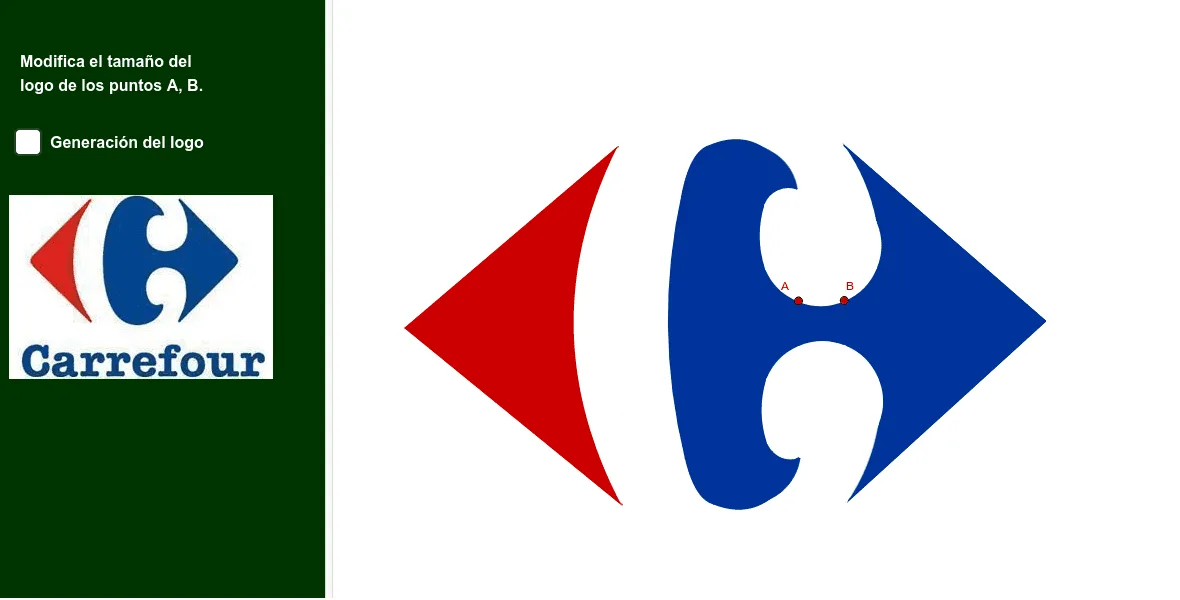
This example demonstrates how to use Bézier curves to draw the Carrefour logo. Key mathematical concepts include Bézier curves, vectors, and geometric transformations. Using commands like Polygon, LineBisector, Vector, Line, Mirror, and Intersect in GeoGebra, the various parts of the logo are constructed. Suitable for high school and above students or teachers for teaching and learning geometric transformations and curve drawing.
GeoGebra Commands & Parameters
Polygon(A, B, 8) → polígono1, f, D, E, F, G, H, g, h, i, j, k, l, m, CLineBisector(C, D) → pVector(H, G) → uLine(M, p) → f_1Mirror(F, f_1) → F'Mirror(F', f_1) → F''Line(J, p) → rLineBisector(A, B) → nVector(A, B) → vLine(N, n) → h_1Intersect(h_1, r) → PLine(O, n) → g_1Line(F, p) → aIntersect(g_1, a) → QIntersect(g_1, r) → S_1Line(H, W) → r_3Mirror(P, r_3) → P'_1Midpoint(S_1, P'_1) → A_2Intersect(n, p) → ICircleArc(I, F, G) → cMirror(c, p) → c'Mirror(c', n) → c''Mirror(G, n) → G'Mirror(H, n) → H'LineBisector(J, D) → tLineBisector(F, K) → qIntersect(q, t) → LCircleArc(L, F, K) → eMirror(P, f_1) → P'Mirror(Q, f_1) → Q'CircleArc(R, Q, Q') → c_1LineBisector(P, Q) → i_1Intersect(i_1, a) → SCircleArc(I, A, B) → e_1Rotate(e_1, 90°, I) → k_1LineBisector(H, K) → sOrthogonalLine(R, f_1) → bIntersect(b, s) → TCircleArc(U, K, H) → p_1Mirror(W, h_1) → W'LineBisector(Q, W) → j_1Intersect(j_1, n) → ZIntersect(j_1, a) → A_1Midpoint(A_1, Z) → B_1LineBisector(W', F) → l_1Intersect(l_1, j_1) → C_1CircleArc(C_1, F, W') → r_1Intersect(t, g_1) → E_1CircleArc(E_1, D, J) → dIntersect(h_1, f_1) → D_1Segment(J, F_1) → m_1Translate(W, Vector[(-2 * v)]) → W'_1Mirror(F_1, h_1) → I_1Segment(I_1, W'_1) → n_1Mirror(I_1, f_1) → G_1Mirror(W'_1, f_1) → J_1Segment(G_1, J_1) → a_1Mirror(c', f_1) → c''_1Mirror(c'', f_1) → c'''Mirror(r_1, f_1) → d_2Mirror(p_1, f_1) → e_2Mirror(J, f_1) → J'Mirror(F_1, f_1) → K_1Segment(J', K_1) → b_1Mirror(d, f_1) → d'Mirror(e, f_1) → e'Mirror(e_1, f_1) → h_2Mirror(k_1, f_1) → k_2Polygon(W, W', F, Q) → c1, w, w', f_3, q_2Mirror(W, f_1) → W'_2Mirror(W', f_1) → W''Mirror(Q, f_1) → Q'_1Polygon(W'_2, W'', F', Q'_1) → c1', w'_2, w'', f', q'_1Polygon(J, K_1, J') → t1, j', j_2, l_2Polygon(W'_1, J_1, G_1) → t2, m_2, w'_1, n_2Intersect(a, m_1) → L_1Mirror(L_1, f_1) → M_1Polygon(Q, L_1, M_1, Q') → c3, q_4, p_2, r_2, s_2Polygon(B, C, D, J) → c4, b_2, c_3, d_3, j_3Polygon(F, K, H, A) → c5, f_5, k_3, h_3, a_2Mirror(D, f_1) → D'Mirror(D, f_1) → D'_1Mirror(B, f_1) → B'_2Mirror(C, f_1) → C'_2Mirror(D, f_1) → D'_2Mirror(J, f_1) → J'_3Polygon(B'_2, C'_2, D'_2, J'_3) → c4', b'_2, c'_2, d'_2, j'_3Mirror(F, f_1) → F'_1Mirror(H, f_1) → H'_1Mirror(H, f_1) → H'_2Mirror(H, f_1) → H'_3Mirror(F, f_1) → F'_2Mirror(F, f_1) → F'_3Mirror(K, f_1) → K'_3Mirror(H, f_1) → H'_4Mirror(A, f_1) → A'_2Polygon(F'_3, K'_3, H'_4, A'_2) → c5', f'_3, k'_3, h'_4, a'_2Polygon(F', A'_2, B'_2, J') → c2, i_2, t_2, g_3, i_3Mirror(A'_2, f_1) → N_1Mirror(B'_2, f_1) → O_1Mirror(J', f_1) → J''Polygon(F'', N_1, O_1, J'') → c2', f'', l_3, o_1, j''Mirror(H_1, f_1) → P_1Intersect(h_1, r_3) → Q_1Vector(H, Q_1) → u_1Mirror(W, f_1) → W'_3Mirror(Q, f_1) → Q'_2Mirror(W', f_1) → W''_1Mirror(H_1, f_1) → U_1Mirror(F'', f_1) → F'''Mirror(K, f_1) → K'Mirror(A, f_1) → A'Mirror(B, f_1) → B'CurveCartesian(((1 - t)^(2) * F'') + (((2 * (1 - t)) * t) * B_2) + (t^(2) * W), t, 0, 1) → d_1Mirror(d_1, f_1) → t_1CurveCartesian(((1 - t)^(2) * W) + (((2 * (1 - t)) * t) * A_2) + (t^(2) * Q), t, 0, 1) → q_1Mirror(q_1, f_1) → v_1CurveCartesian(((1 - t)^(2) * W'_1) + (((2 * (1 - t)) * t) * W_1) + (t^(2) * J_1), t, 0, 1) → s_1Intersect(n, r) → Z_1
AI Drawing Prompt Reference
Draw the Carrefour logo using Bézier curves and geometric transformations. Start by drawing a polygon, then use mirroring, rotation, and midpoints to construct key points and curves. Finally, determine the logo's components using the perpendicular bisectors of line segments and their intersections.
The prompt above was compiled from the original drawing commands and is for reference only.