
JoinCorners
Loading the math board and drawing, please wait…
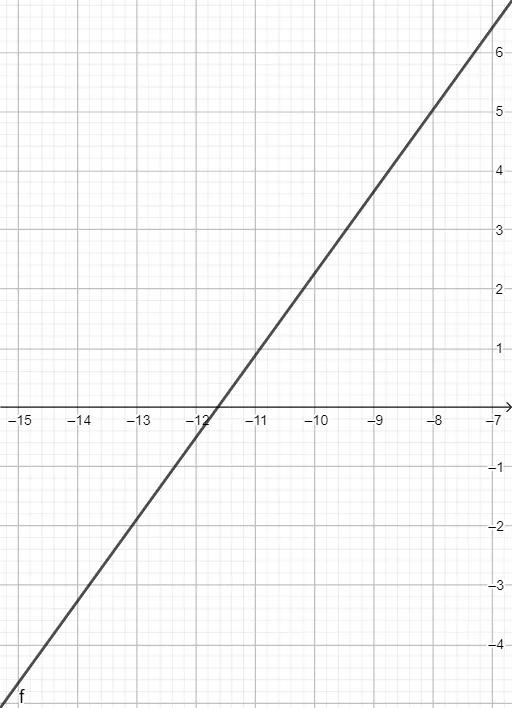
This example demonstrates how to draw lines connecting the corners of a cube or cuboid using GeoGebra commands. It involves core mathematical concepts such as continuity, orthocenter, bar chart, cube, cuboid, and fractions. The construction uses GeoGebra commands like Line and object f. Suitable for high school students learning solid geometry and coordinate geometry, helping them understand the representation of three-dimensional shapes and mathematical modeling.
GeoGebra Commands & Parameters
Line(Corner[1], Corner[3]) → f
AI Drawing Prompt Reference
Draw a three-dimensional cube or cuboid, then connect two opposite corners with a straight line segment passing through the interior. The shape should clearly show all six faces, with the diagonal line running from one vertex to the farthest opposite vertex. Start by sketching the cube's outline, then identify the two opposite corner points, and finally draw the connecting line. This illustrates the concept of a space diagonal in solid geometry.
The prompt above was compiled from the original drawing commands and is for reference only.