
Inversion Transformation by Steve Phelps
Loading the math board and drawing, please wait…
In collections
Modeling with Complex Numbers
Modeling with Complex Numbers
Modeling with Complex Numbers
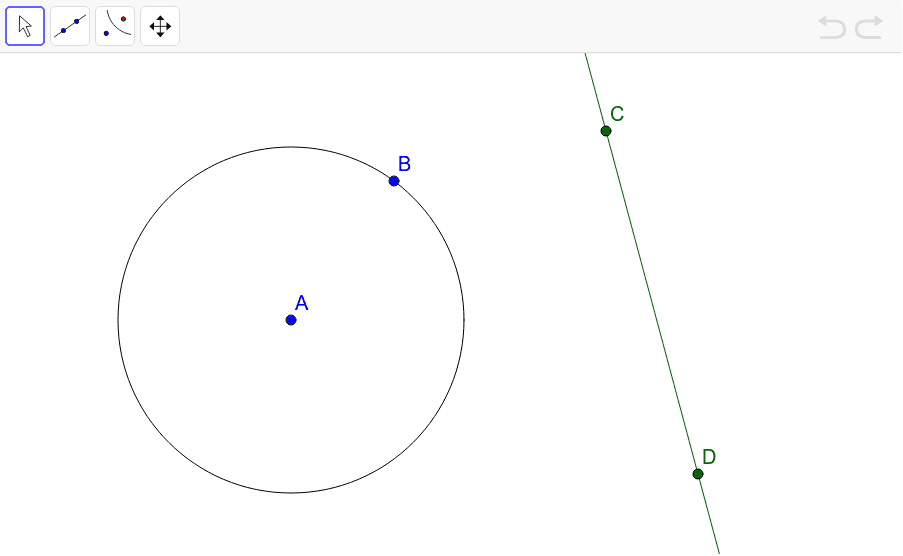
This example demonstrates the use of the REFLECT ABOUT A CIRCLE tool in GeoGebra to transform a line. By clicking on the line and the circle, you can observe the reflection effect. The core mathematical concept involved is reflection transformation. It uses the Circle and Line commands. Suitable for middle school and above students to learn about reflection transformation.
GeoGebra Commands & Parameters
Circle(A, B) → cLine(C, D) → a
AI Drawing Prompt Reference
Draw a circle and a line inside it. Click the circle and the line to see the reflection effect of the line about the circle. Pay attention to the relationship between the circle and the line, and how the reflected line is symmetric to the original line.
The prompt above was compiled from the original drawing commands and is for reference only.