
Introduction to Rectangle Translation Tessellation
Loading the math board and drawing, please wait…
In collections
Tess 1
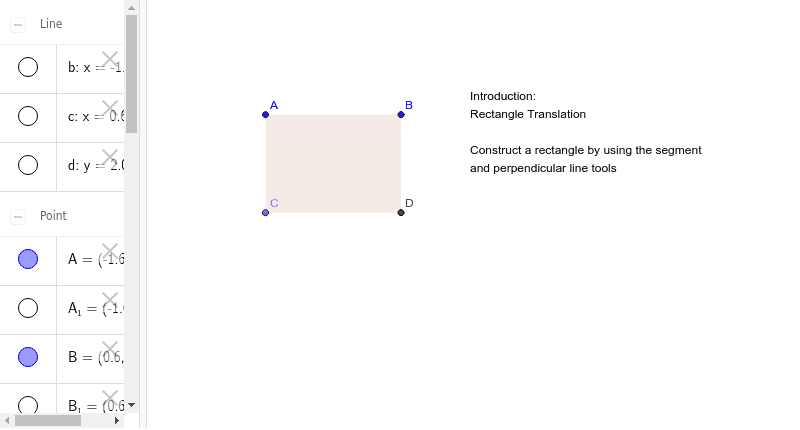
This example demonstrates the tessellation of rectangles through translation. It involves core mathematical concepts such as transformation, polygon construction, and coordinate geometry. The construction utilizes commands like Segment, OrthogonalLine, Point, Intersect, and Polygon. Suitable for high school mathematics education to understand geometric transformations and tessellation patterns.
GeoGebra Commands & Parameters
Segment(A, B) → aOrthogonalLine(A, a) → bOrthogonalLine(B, a) → cPoint(b) → COrthogonalLine(C, b) → dIntersect(c, d) → DSegment(A, C) → eSegment(C, D) → fSegment(D, B) → gPolygon(A, B, D, C) → poly1, a_1, b_1, d_1, c_1Segment(A_1, B_1) → a_2
AI Drawing Prompt Reference
Draw a rectangle and then translate it to fill the plane, demonstrating the tessellation of rectangles through translation. Start by drawing a line segment, then draw perpendicular lines from both endpoints of the segment. Take a point on the upper perpendicular line and connect the intersection of the two perpendicular lines to form a quadrilateral. Fill the quadrilateral with color, then copy and translate it to align with the original shape. Repeat the translation to fill the plane, creating a tessellation pattern of translated rectangles.
The prompt above was compiled from the original drawing commands and is for reference only.