
Intersections of Two Implicit Surfaces: Interactive Visualization
Loading the math board and drawing, please wait…
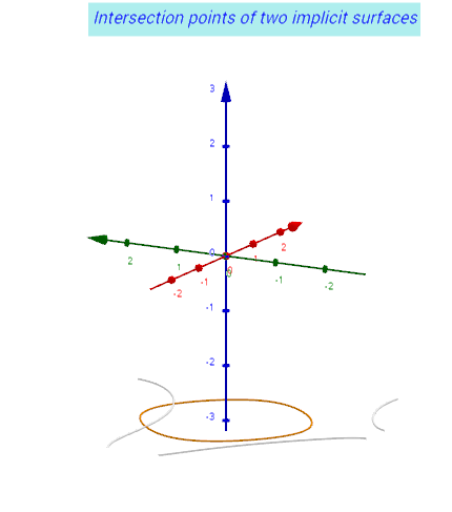
This example demonstrates the intersection curves of two implicit surfaces in 3D space, with interactive controls to explore how the curves change. Core mathematical concepts include implicit surfaces, surface intersection, parametric curves, and stochastic processes applied to geometry. Construction highlights: uses GeoGebra commands such as ImplicitCurve to define surfaces, IntersectPath to compute intersection paths, and Polygon, Textfield, InputBox for parameter adjustment. Suitable for high school and above, useful for teaching solid geometry, calculus, or computer graphics, providing an intuitive understanding of surface intersections.
GeoGebra Commands & Parameters
Textfield(f1) → InputBox1Textfield(zoom_{3D}) → InputBox2Textfield(f2) → InputBox3IntersectPath(Z_0, f2(x, y, z0) + z0) → ic2zIntersectPath(Z_0, f1(x, y, z0) + z0) → ic1zTextfield(Nn) → InputBox4Textfield(e) → InputBox5Textfield(x_{min}) → InputBox6Textfield(x_{max}) → InputBox7Textfield(y_{min}) → InputBox8Textfield(y_{max}) → InputBox9Textfield(z_{min}) → InputBox10Textfield(z_{max}) → InputBox11Textfield(v_a) → InputBox12ImplicitCurve(f2(xk, x, y)) → df2x_kyzImplicitCurve(f01(xk, x, y)) → df01x_kyzImplicitCurve(f1(xk, x, y)) → df1x_kyzaImplicitCurve(f1(x, yk, y)) → rf1xy_kzImplicitCurve(f2(x, yk, y)) → rf2xy_kzPolygon((x_{min}, y_{min}), (x_{max}, y_{min}), (x_{max}, y_{max}), (x_{min}, y_{max})) → poly1, g, j, k, lTextfield(α) → InputBox13ImplicitCurve(f01(x, yk, y)) → df01xykz