
A Parameterized Curve Inspired by a Semicircle
Loading the math board and drawing, please wait…
In collections
Curves
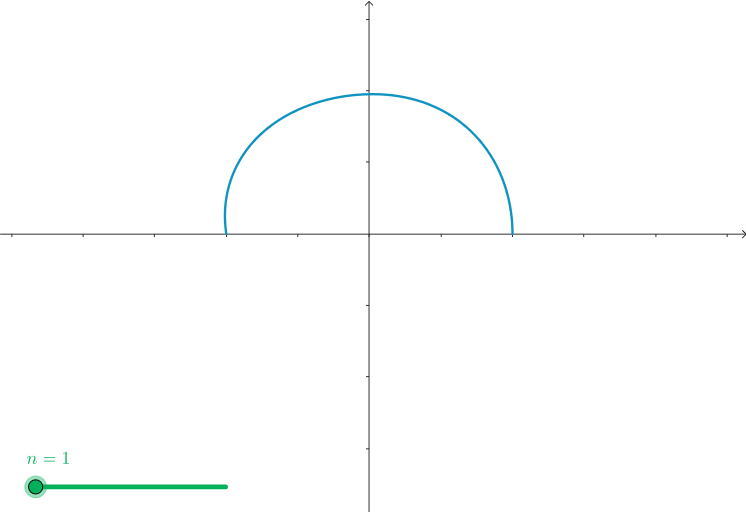
This example demonstrates how to generate a “semicircle-like” curve by using a parameterized setup and visualizing how its geometry changes with the chosen parameters. The core math ideas include parametric curves (and the intuition behind polar-to-Cartesian plotting), locus-style visualization, and parameter control via symbolic variables. In GeoGebra, the curve is constructed using the command CurveCartesian to create the curve object, with parameters n and a defined as the key inputs. The resulting graph helps learners explore how adjusting discrete or continuous parameters reshapes a curve. It is well suited for secondary school enrichment, early college function visualization, and lessons on graphing, parameterization, and geometric interpretation.
GeoGebra Commands & Parameters
CurveCartesian((2 + (sin((3 * θ)) * sin(θ / 32)); θ), θ, 0, (n * pi)) → a
AI Drawing Prompt Reference
Draw a parameterized curve resembling a semicircle. Use the CurveCartesian command with x-coordinate as 2 plus the product of sin(3θ) and sin(θ/32), and y-coordinate as θ. Adjust parameter n to observe how the curve changes with different values.
The prompt above was compiled from the original drawing commands and is for reference only.