
Intersection of a Cone and a Sphere in GeoGebra
Loading the math board and drawing, please wait…
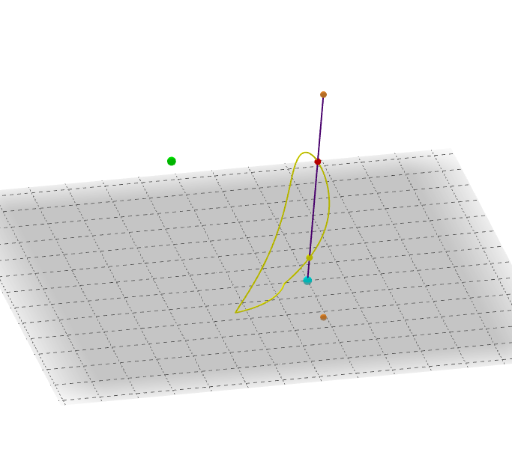
This example demonstrates the geometric shapes formed by the intersection of a cone and a sphere, along with their spatial relationships. Key mathematical concepts include cones, spheres, intersection points, loci, quadratic equations, and trigonometric functions. The construction utilizes GeoGebra commands and objects such as Circle, Sphere, OrthogonalLine, Point, Cone, Segment, Intersect, Locus, Distance, Midpoint, CircleArc, and Mirror. It is suitable for high school students and math enthusiasts to explore the connection between spatial geometry and equations, and to understand dynamic geometric properties.
GeoGebra Commands & Parameters
Circle(A, B) → cSphere(C, R) → aOrthogonalLine(A, xOyPlane) → fPoint(f) → DCone(c, Distance[A, D]) → b, d, ePoint(c) → FSegment(D, F) → gIntersect(g, a) → G, HLocus(G, F) → LlocGeomètric1Locus(H, F) → LlocGeomètric2Distance(A, B) → jMidpoint(A, B) → EIntersect(c, a) → I, J, ,CircleArc(A, J, I) → kSegment(I, J) → lMirror(k, l) → k'