
Interactive Integer Addition Visualizer
Loading the math board and drawing, please wait…
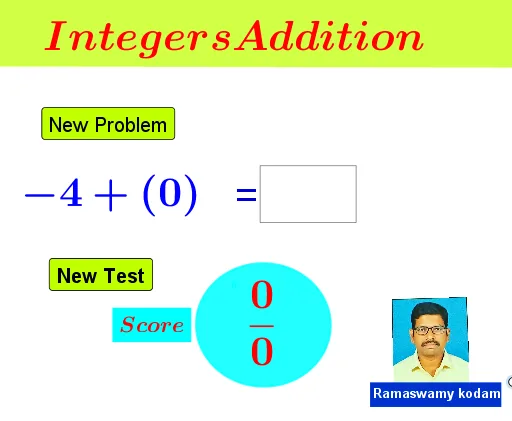
This GeoGebra example provides an interactive visual demonstration of integers addition, translating abstract arithmetic operations into tangible geometric representations and dynamic user inputs. The core mathematical concepts covered include integer arithmetic, basic addition operations, and the pedagogical concept of representing numerical relationships visually through shapes. To construct this interactive environment, key GeoGebra commands and objects were utilized: `Polygon` and `Ellipse` are used to draw visual geometric markers representing numbers; `Random` generates dynamic operands for varied practice; `TextField` and input boxes (like `InputBox1`) along with custom buttons (`button1`, `button2`) manage the user interaction, processing the input, and updating the visual feedback dynamically via text objects. This tool is highly suitable for elementary school arithmetic, middle school math reinforcement, and interactive math classrooms aiming to teach basic algebra through visual geometry.
GeoGebra Commands & Parameters
Polygon(D, C, B, A) → q1, d, c, b, aPolygon(E, F, C, D) → q2, e, f, c_1, d_1Random(-10, 10) → gRandom(-10, 10) → hTextfield(j) → InputBox1Ellipse(G, H, I) → p
AI Drawing Prompt Reference
Create an interactive geometric visualizer for integer addition. Draw two neighboring quadrilateral shapes as contrasting regions: first connect four points to form the first polygon, then construct a second polygon using another set of points while sharing the appropriate boundary points with the first. Include two independently generated random integer values to drive the practice inputs. Add a dedicated text input field where the user can enter an integer answer. Finally, place an ellipse as a visual marker that can represent the dynamically updated number or result area. Build in this order: draw the two polygon regions, generate the random values and input field, then add the ellipse for the visual cue.
The prompt above was compiled from the original drawing commands and is for reference only.