
Integer Comparison
Loading the math board and drawing, please wait…
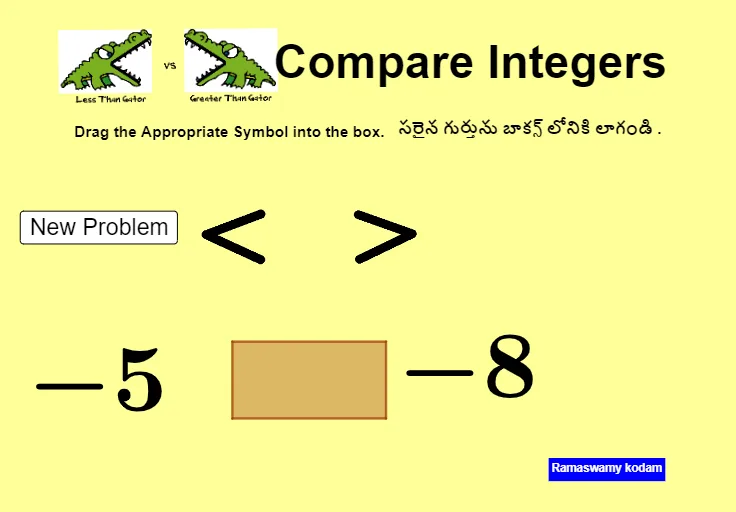
This example demonstrates how to use GeoGebra to compare the sizes of two integers. Key math concepts include integers, coordinate geometry, and inequalities. Construction highlights involve commands like Midpoint, Sequence, Shuffle, Element, Point, Polygon, and IsInRegion, along with objects such as points and polygons. Suitable for middle school and above students learning integer comparison and coordinate geometry.
GeoGebra Commands & Parameters
Midpoint(E, F) → GSequence(-20, 10) → l1Shuffle(l1) → l2, {-5, -8, -12, -18, -17, 1, -20, 9, -4, -15, -19, -2, 6, -16, 3, -11, -13, 0, 5, 4, 7, 2, -1, -7, 10, -3, -10, -6, 8, -14, -9}Element(l2, 1) → aElement(l2, 2) → bPoint(Circle[A, 2]) → BPolygon(A, B, C, D) → q1, a_1, b_1, c, dMidpoint(H, I) → NMidpoint(J, K) → OIsInRegion(N, q1) → eIsInRegion(O, q1) → f
AI Drawing Prompt Reference
Draw two integers a and b from -20 to 10, then draw a circle with a and b as endpoints of the diameter. Take a point B on the circle. Next, draw a quadrilateral with vertices A, B, C, and D. Finally, find two points N and O inside the quadrilateral and check if they are within the quadrilateral.
The prompt above was compiled from the original drawing commands and is for reference only.