
Imagine: The Biggest Angle
Loading the math board and drawing, please wait…
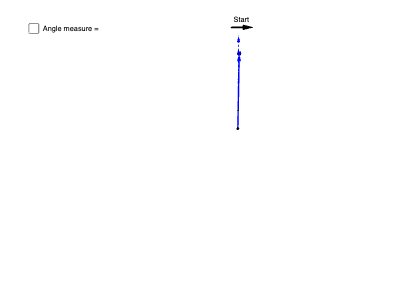
This example demonstrates how to explore the formation and variation of the biggest angle through dynamic coordinates and geometric transformations. Core math concepts include integers, 2D vectors, geometric transformations, boxplots, and arithmetic mean. Construction highlights the use of GeoGebra commands like CurveCartesian, Point, PathParameter, DynamicCoordinates, Circle, Vector, Ray, Midpoint, CircleArc, Polygon, etc., achieving dynamic visualization via sliders and parametric equations. Suitable for high school and above, ideal for teaching geometric transformations and vector operations.
GeoGebra Commands & Parameters
CurveCartesian(sin(t), cos(t), t, 0, ((2 * pi) * 12)) → clockSpiralPoint(clockSpiral) → APathParameter(A) → clockParameterDynamicCoordinates(A, x(C), y(C)) → minuteHandDragCircle(B, minuteHandDrag) → cVector(B, minuteHandDrag) → uPoint(clockSpiral) → DRay(B, D) → fPoint(f) → ECircle(B, E) → dVector(B, E) → vMidpoint(B, minuteHandDrag) → JMidpoint(B, J) → KMidpoint(J, minuteHandDrag) → LCircleArc(B, K, E) → eCircleArc(B, J, E) → gCircleArc(B, L, E) → hCircle(B, K) → kCircle(B, J) → pCircle(B, L) → qCircleArc(B, K, E) → rVector(F, G) → wPolygon(H, I, 4) → poly1, i, j, l, m, M, N
AI Drawing Prompt Reference
Draw a clock spiral to find the positions of the hour and minute hands using dynamic coordinates and geometric transformations. Use the minute hand to draw circles and vectors, and find key points on the clock through geometric transformations. Draw arcs and a polygon using these points to demonstrate the variation of angles on the clock.
The prompt above was compiled from the original drawing commands and is for reference only.