
Ice Cream Bowls: Modeling Demo
Loading the math board and drawing, please wait…
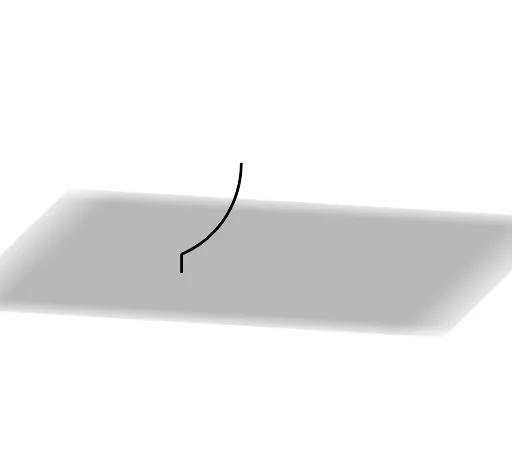
This example demonstrates how to construct a 3D model of an ice cream bowl using rotations and dilations. It involves core mathematical concepts such as rotation, dilation, solid geometry, geometric transformations, and vectors. Key GeoGebra commands and objects used include Segment, Rotate, Surface, Angle, CircleArc, Dilate, Vector, and Translate. Suitable for high school students learning solid geometry and geometric transformations, it serves as an educational tool for modeling and geometric constructions.
GeoGebra Commands & Parameters
Segment((2.5, 0, 0), (2.5, 0, 1)) → fRotate(f, angle, zAxis) → f'Surface(f, angle, zAxis) → aAngle(B, A, C) → αRotate(B, ((-π)) / 2 + α, A, Line[A, A + (0, 1, 0)]) → B'CircleArc(A, B, B') → dRotate(d, angle, zAxis) → d'Surface(d, angle, zAxis) → eDilate(A, If[0 < k ≤ 1, 1 - k, 0], B') → A'Vector(A, A') → uTranslate(e, Vector[(2 * u)]) → e'Translate(a, Vector[(2 * u)]) → a'