
Graphing Cosine from Wrapping Function
Loading the math board and drawing, please wait…
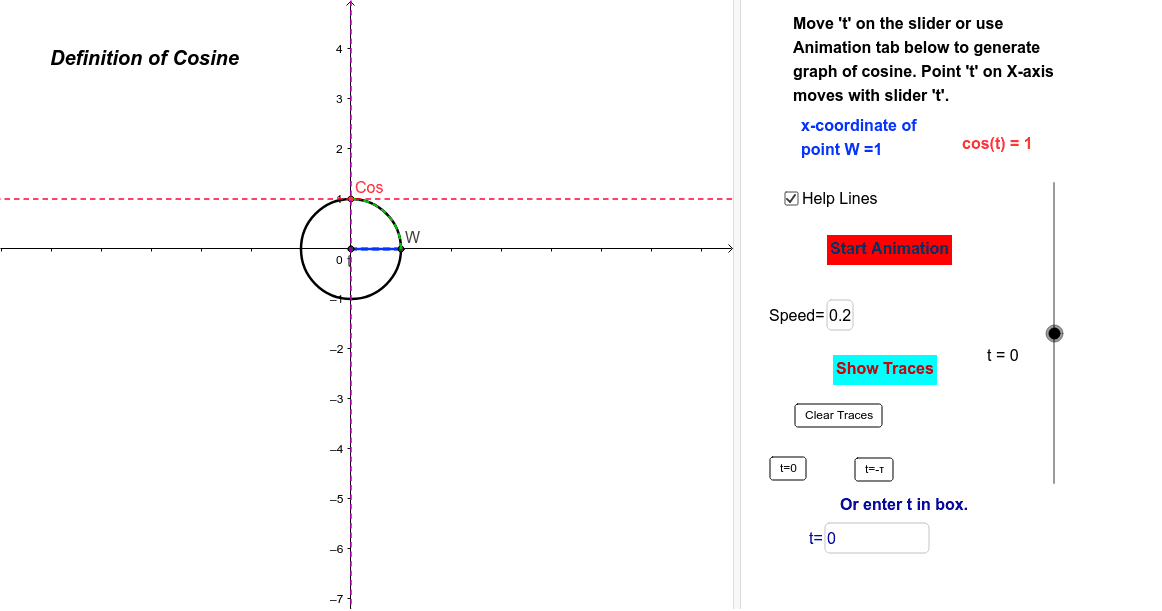
This example demonstrates how to graph the cosine function using a wrapping function approach. Key math concepts include rotation functions, unit circle, and trigonometric relationships. GeoGebra commands and objects used in the construction are Intersect, Circle, OrthogonalLine, Segment, Textfield, If, Mod, and Arc. Suitable for high school students learning trigonometry and analytical geometry, it helps visualize the geometric origin of function graphs.
GeoGebra Commands & Parameters
Intersect(xAxis, yAxis) → ACircle(A, 1) → cOrthogonalLine(W, xAxis) → aIntersect(xAxis, a) → BSegment(B, W) → bSegment(B, A) → dSegment(A, W) → eTextfield(speed) → SPDTextfield(t) → tEqIf(togTr ≟ 1, "Stop Traces", "Show Traces") → ControlTracesIf(togA ≟ 1, "Stop Animation", "Start Animation") → ToggleAnimationCircle(A, B) → hMod(t, 1.5707963267948966) → tmCircle((0, 0), abs(cos(t))) → kArc(k, (cos(t), 0), (0, cos(t))) → p