
Google Logo Geometric Construction
Loading the math board and drawing, please wait…
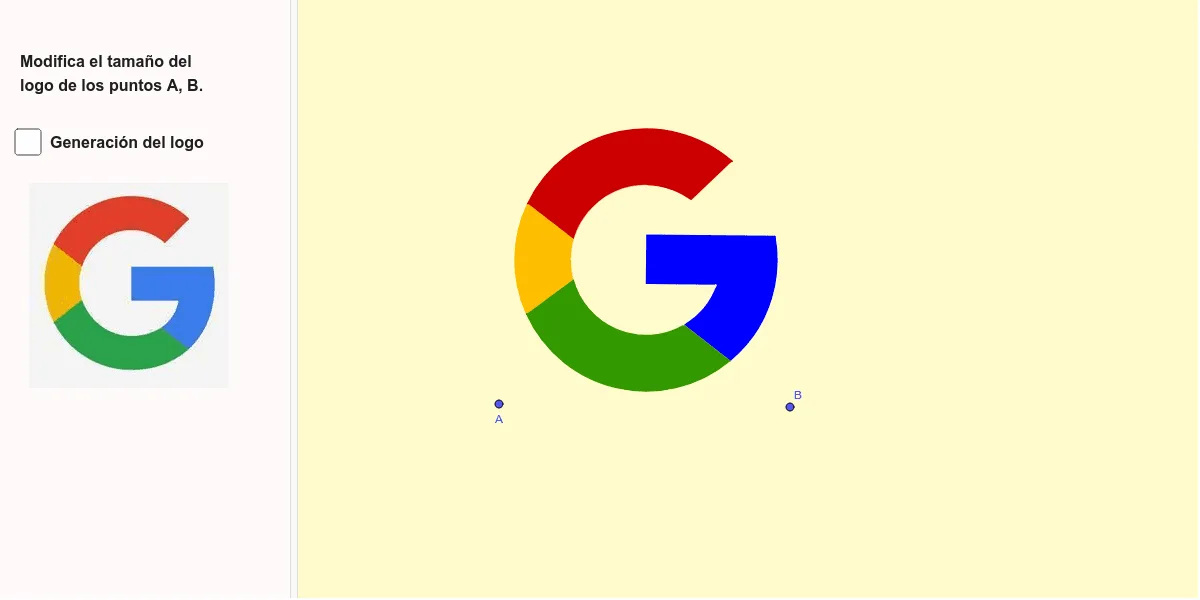
This example demonstrates the geometric construction of the Google Logo using GeoGebra. It involves core mathematical concepts such as vectors, circles, polygons, and geometric transformations. Key GeoGebra commands and objects used include Polygon, Midpoint, Vector, OrthogonalVector, Mirror, Line, OrthogonalLine, Intersect, Segment, Circle, CircleArc, and Semicircle. It is suitable for high school and above students to understand the application of geometric constructions and spatial transformations.
GeoGebra Commands & Parameters
Polygon(A, B, 4) → poly1, f, g, h, i, C, DMidpoint(D, A) → EMidpoint(D, B) → GVector(A, B) → uOrthogonalVector(u) → vMirror(F, E) → F'Line(F', C) → kLine(A, B) → mOrthogonalLine(G, m) → nIntersect(n, k) → HLine(F, B) → jSegment(I, K) → lMidpoint(H, I) → JMirror(J, G) → J'Circle(G, L) → cOrthogonalLine(J, n) → pMirror(p, G) → p'Circle(G, M) → dIntersect(c, p) → N, OIntersect(c, p') → P, QPolygon(J, N, Q, J') → q1, j_1, n_1, q, j'CircleArc(G, Q, N) → eIntersect(d, j) → R, SIntersect(d, n) → T, USemicircle(T, U) → rPolygon(J', M, T) → t1, t, s, m_1CircleArc(G, T, M) → c_1Intersect(c, j) → V, WIntersect(d, k) → Z, A_1Intersect(c, k) → B_1, C_1Polygon(S, M, Q, W) → q2, s_1, m_2, q_1, wCircleArc(G, W, Q) → d_1CircleArc(G, S, M) → e_1Segment(S, M) → aPolygon(Z, S, W, C_1) → q3, z_1, s_2, w_1, bCircleArc(G, C_1, W) → f_1CircleArc(G, Z, S) → g_1Segment(Z, S) → h_1Polygon(V, C_1, Z, R) → q4, v_1, i_1, z_2, r_1CircleArc(G, V, C_1) → k_1CircleArc(G, R, Z) → p_1Intersect(d, l) → D_1,Polygon(V, B_1, D_1, R) → q5, l_1, t_1, b_1, f_2CircleArc(G, D_1, R) → d_2Segment(R, D_1) → a_1CircleArc(G, B_1, V) → c_2Segment(V, B_1) → g_2