
Geometry Constructions: Basic Segment Construction
Loading the math board and drawing, please wait…
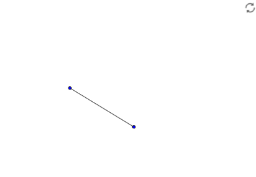
① This example demonstrates the most fundamental geometric construction in GeoGebra: creating a line segment using two points, showing how geometric figures begin from points and lines. ② The core mathematical concepts involve basic elements of geometric construction (points, segments), relationships between geometric objects, and the standard steps of geometric construction, laying the foundation for more complex figures like triangles and polygons. ③ Construction highlights: Based on the construction summary, the Segment command is used to create points A, B and segment a, embodying the classic axiom that 'two points determine a segment', with a simple and clear operation. ④ It is suitable for middle school students beginning geometry or teachers for classroom demonstration, and also serves as a starter case for GeoGebra beginners to learn basic construction commands and understand the logic of geometric construction.
GeoGebra Commands & Parameters
Segment(A, B) → a
AI Drawing Prompt Reference
Draw a line segment AB by first placing points A and B on the canvas, then connecting them with a line segment.
The prompt above was compiled from the original drawing commands and is for reference only.