
Geometric Optimization: Minimize Perimeter with Fixed Area
Loading the math board and drawing, please wait…
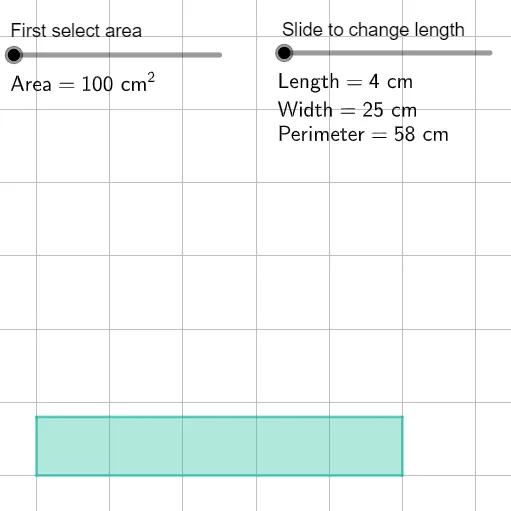
This example uses an interactive GeoGebra construction to demonstrate how, under a fixed-area constraint, the perimeter of a general quadrilateral can be driven toward its minimum. It focuses on the relationship between area and perimeter in polygon geometry, the use of similarity transformations/scaling to compare shapes at different sizes (via a scale factor and related variables), and the broader idea of constrained optimization (seeking an extremum with one quantity held constant). Construction-wise, the build relies on GeoGebra’s polygon creation (Polygon) to form a quadrilateral and parameter objects such as vertices A, B, C, D, edge/length variables (e.g., l, lmin, lmax, dw/dl), area and perimeter-related quantities (A, rw, rp), along with labels/text objects and view parameters (grid and coordinate bounds). Suitable for high school to early undergraduate learners, especially for geometry modeling, optimization visualization, and graph/interactive exploration of constrained extrema.
GeoGebra Commands & Parameters
Polygon(B, A, C, D) → q1, b, a_1, c, d
AI Drawing Prompt Reference
Draw an arbitrary quadrilateral in a 2D coordinate plane by placing four distinct points and connecting them in order so that each adjacent pair forms a side. The shape should be defined purely by these four vertices, producing the polygonal outline clearly. Use a clear coordinate range and an appropriate grid so the geometry and the relative edge lengths are easy to visually compare. Treat this as a geometric model for later exploration of how, under a fixed-area constraint, the perimeter can move toward a minimum, with space for simple labels or annotations if needed.
The prompt above was compiled from the original drawing commands and is for reference only.