
Example 13: Construction vs Drawing
Loading the math board and drawing, please wait…
In collections
Realidades de GeoGebra
This example demonstrates how to use GeoGebra for geometric construction and drawing. It involves key mathematical concepts such as polygons, transformations, and optimization. Using commands like Point, Segment, Circle, and Mirror, users can construct complex geometric shapes. Suitable for high school mathematics education and learning.
GeoGebra Commands & Parameters
Point(xAxis) → APoint(Circle[A, 1]) → BSegment(A, B) → bCircle(A, B) → cOrthogonalLine(A, b) → dIntersect(c, d, 2) → COrthogonalLine(C, d) → eOrthogonalLine(B, b) → fIntersect(e, f) → DPoint(xAxis) → EPoint(Circle[E, a]) → FSegment(E, F) → jOrthogonalLine(E, j) → kOrthogonalLine(F, j) → lPoint(k) → GOrthogonalLine(G, k) → mIntersect(l, m) → HPoint(xAxis) → IPoint(Circle[I, a]) → JSegment(I, J) → rCircle(J, I) → sPoint(s) → KLine(I, K) → tMirror(J, t) → J'Polygon(A, B, D, C) → poly1, a_1, b_1, d_1, c_1Polygon(E, F, H, G) → poly2, e_1, f_1, h, gPolygon(I, J, K, J') → poly3, i, j_1, k_1, j'Point(xAxis) → LPoint(Circle[L, a]) → MSegment(L, M) → nLine(N, n) → pLine(M, N) → qLine(L, q) → g_1Intersect(p, g_1) → OPolygon(L, M, N, O) → poly4, l_1, m_1, n_1, oPoint(xAxis) → PPoint(Circle[P, a]) → QSegment(P, Q) → h_1OrthogonalLine(Q, h_1) → i_1OrthogonalLine(P, h_1) → p_1Point(i_1) → RPoint(p_1) → SPolygon(P, Q, R, S) → poly5, p_2, q_1, r_1, s_1
AI Drawing Prompt Reference
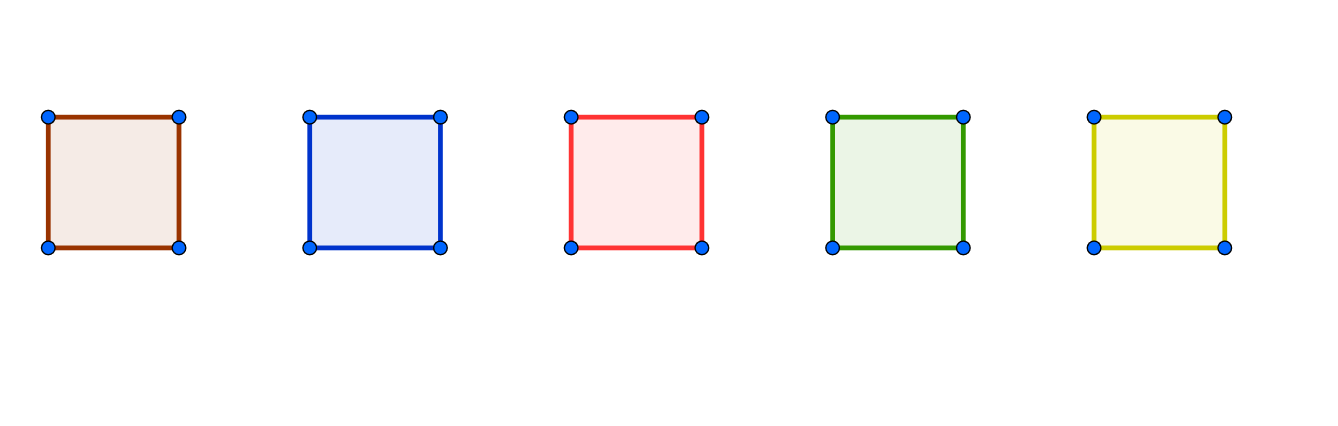
Draw a geometric figure with multiple polygons by first creating a line segment and a circle, then finding their intersections and perpendicular lines, constructing new points and segments, and finally connecting all points to form several polygons, demonstrating the process of geometric construction.
The prompt above was compiled from the original drawing commands and is for reference only.