
Geometric Insight into Squares and Square Roots (Surds)
Loading the math board and drawing, please wait…
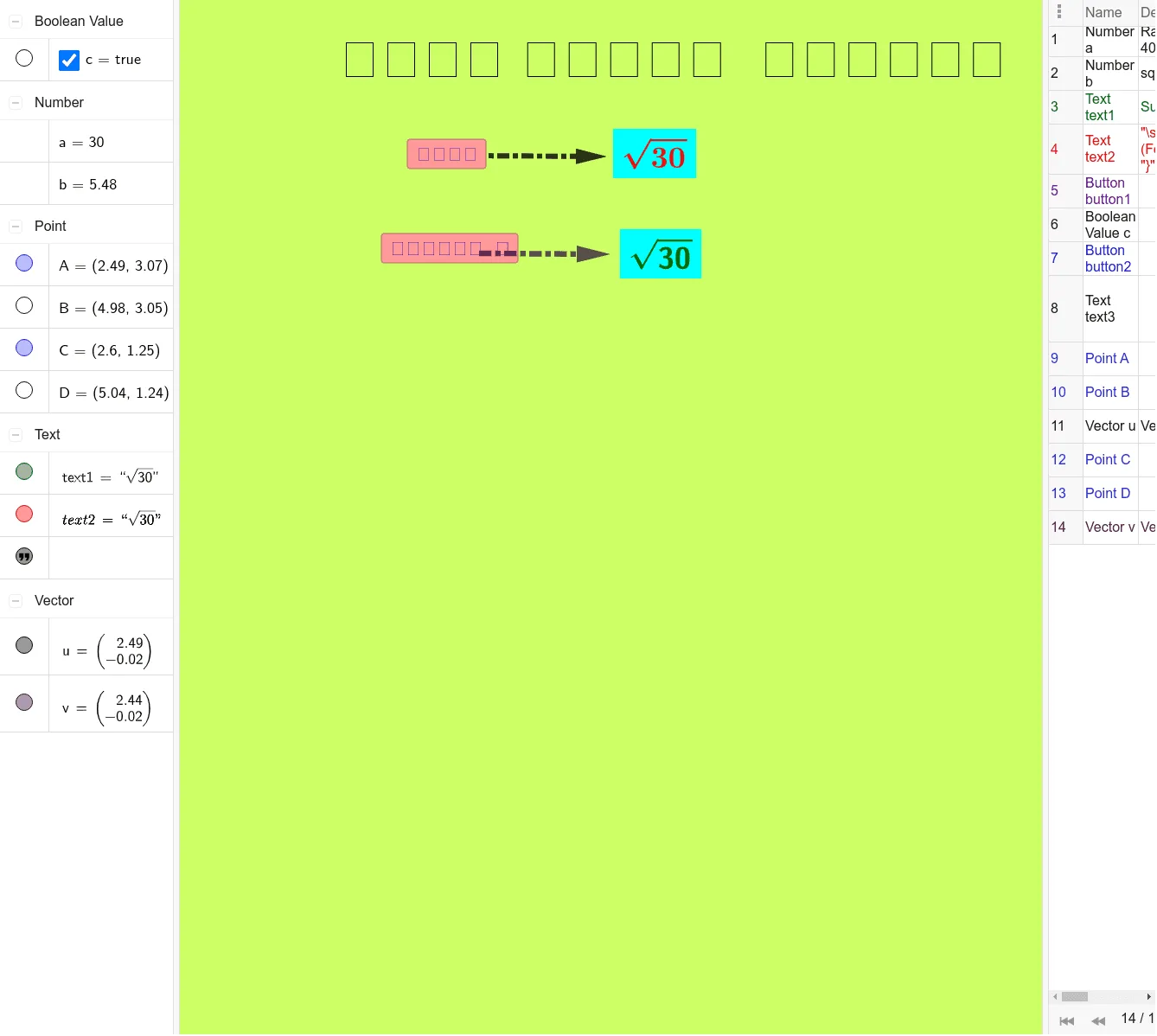
This example demonstrates the relationship between squaring and square roots by constructing geometric representations where surds are treated as lengths, and the corresponding square results are visualized to match the algebraic values.
Key concepts include squares, principal square roots, surd interpretation, and the idea of mapping algebraic quantities to geometric objects (such as lengths or vector components).
Construction highlights: GeoGebra uses Random and SurdText to generate and display surd expressions, while Vector helps build and visualize related vector geometry. The scene includes multiple text objects (text1, text2, text3) and control buttons (button1, button2) alongside main geometric elements (objects like a, b, c, points A, B, C, D, and vectors u, v). By combining surd labeling with vector/length constructions, the squaring vs. square-root equivalence becomes concrete and easy to explore.
Suitable for middle/high school learning, introductory surds review, and interactive classroom demonstrations.
GeoGebra Commands & Parameters
Random(0, 400) → aSurdText(b) → text1Vector(A, B) → uVector(C, D) → v
AI Drawing Prompt Reference
Draw a geometric figure illustrating the relationship between squaring and square roots. Use randomly generated lengths as side lengths to construct a square, and label its diagonal length. Introduce vectors to represent the side lengths, corresponding to vector lengths. Use text labels to display square root values, helping to understand the correspondence between algebra and geometry. The figure should include a square, vectors, and text elements, with the order starting from constructing the square, then adding vectors, and finally labeling text.
The prompt above was compiled from the original drawing commands and is for reference only.