
Fourth Surface
Loading the math board and drawing, please wait…
In collections
Eggs
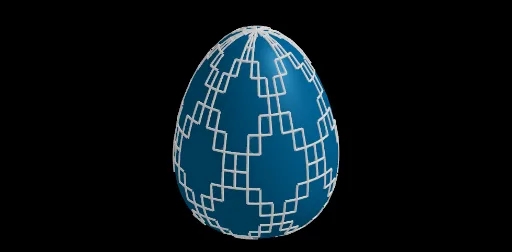
This example demonstrates the construction of a fourth surface. It involves polynomial functions and surface drawing. Using GeoGebra commands Sequence and Surface, different surfaces can be dynamically generated with varying parameters. Suitable for high school or university calculus and coordinate geometry courses.
GeoGebra Commands & Parameters
Sequence(CurveCartesian[x(O) + ((b * sin(i)) * cos(j)), y(O) + ((b * sin(i)) * sin(j)), z(O) + (r * ((a * cos(i)) + (c * cos((2 * i))))), i, 0, 6.28319], j, 0, 6.28319, π / n) → l1Join(Sequence[Sequence[O + (((b * sin(i)) * cos(j)), ((b * sin(i)) * sin(j)), (r * ((a * cos(i)) + (c * cos((2 * i)))))), j, 0, 6.28319, π / m], i, 0, 6.28319, π / m]) → l2Sequence(Polygon[Element[l2, i], Element[l2, i + 1], Element[l2, i + 1 + d], Element[l2, i + d]], i, 1, Length[l2], Motif) → l3Surface(x(O) + ((b * sin(i)) * cos(j)), y(O) + ((b * sin(i)) * sin(j)), z(O) + (r * ((a * cos(i)) + (c * cos((2 * i))))), i, 0, 6.28319, j, 0, 6.28319) → e