
Finding the Area Introduction
Loading the math board and drawing, please wait…
In collections
Area and Perimeter of Rectangles
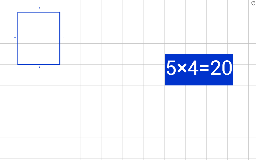
This example demonstrates how to construct polygons and calculate their area using GeoGebra. Core math concepts include polygon construction, area calculation, and coordinate geometry. Key GeoGebra commands used are Segment and Polygon. Suitable for middle school students and above learning geometric constructions and area calculation methods.
GeoGebra Commands & Parameters
Segment(A, B) → aPolygon(A, B, C, D) → poly1, a_1, b, c, d
AI Drawing Prompt Reference
On a coordinate plane, plot four points and connect them in order to form a quadrilateral. Draw a segment between two adjacent vertices to serve as one side of the shape. Then, construct a closed polygon using all four points as its vertices, ensuring the boundary consists of four edges. Finally, calculate and display the area of this polygon. The figure should show labeled vertices and edges clearly, illustrating the geometric construction and area computation.
The prompt above was compiled from the original drawing commands and is for reference only.