
Area and Perimeter of a Rectangle by Shannon Lehmann
Loading the math board and drawing, please wait…
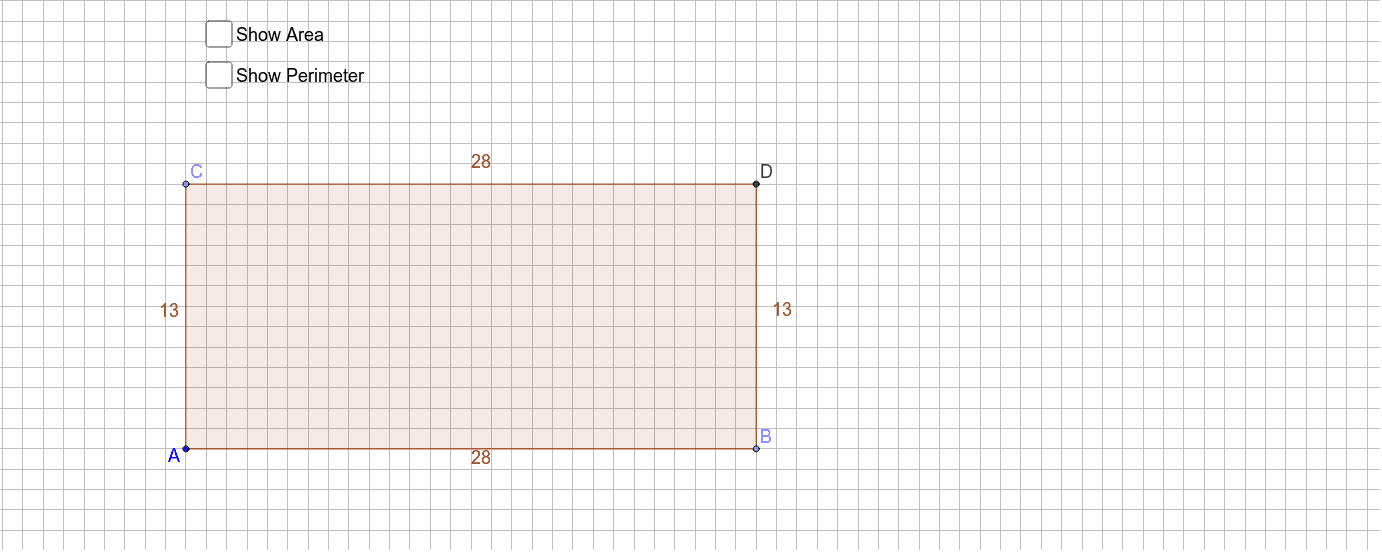
This GeoGebra example demonstrates a dynamic rectangle construction that automatically calculates its area and perimeter. The core mathematical concepts include rectangle properties, area formula (length × width), perimeter formula (2 × (length + width)), and measurement of line segments. The construction uses Point commands to define vertices A and B, OrthogonalLine to create perpendicular sides, Intersect to find remaining vertices, Polygon to form the rectangle poly1, and Perimeter to compute the perimeter. Text objects display the area and perimeter values. This tool is suitable for upper elementary and middle school students to explore how area and perimeter change with dimensions, and for teachers to use in interactive classroom demonstrations.
GeoGebra Commands & Parameters
Point(a) → BPoint(b) → COrthogonalLine(B, a) → cOrthogonalLine(C, b) → dIntersect(c, d) → DPolygon(A, B, D, C) → poly1, a_1, b_1, d_1, c_1Perimeter(poly1) → e