
Find the Perimeter and Area of a Rectangle
Loading the math board and drawing, please wait…
In collections
Area and Perimeter of Rectangles
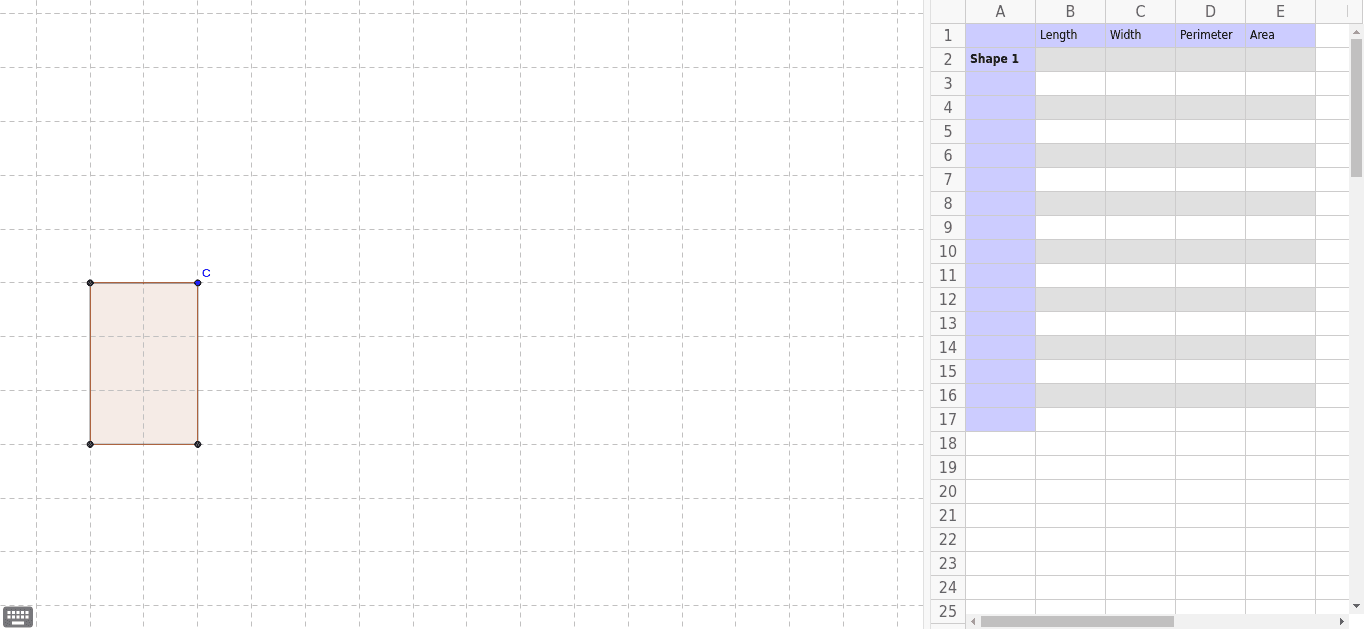
This example demonstrates how to calculate the perimeter and area of a rectangle using geometric construction. Key mathematical concepts include the calculation of area and perimeter. It utilizes commands such as constructing a rectangle, finding intersections, orthogonal lines, polygons, perimeter, and area in GeoGebra. Suitable for middle school and above students to learn geometric construction and related calculations.
GeoGebra Commands & Parameters
Intersect(xAxis, yAxis) → AOrthogonalLine(C, yAxis) → aOrthogonalLine(C, xAxis) → bIntersect(a, yAxis) → BIntersect(b, xAxis) → DPolygon(A, B, C, D) → poly1, a_1, c, b_1, dPerimeter(poly1) → eArea(poly1) → f
AI Drawing Prompt Reference
Draw a rectangle by finding the intersection of the coordinate axes, then drawing perpendicular lines from this point to the axes to get the other two vertices, and finally connecting these four points to form the rectangle. Also, calculate and display the perimeter and area of the rectangle.
The prompt above was compiled from the original drawing commands and is for reference only.