
Deriving the Perimeter of a Rectangle
Loading the math board and drawing, please wait…
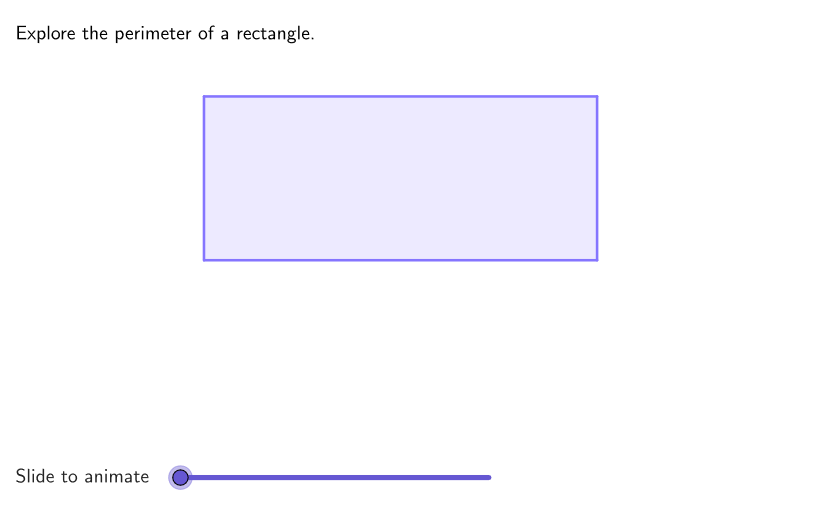
This activity visually demonstrates how to derive the perimeter formula for a rectangle by manipulating vertices. It helps students understand the relationship between perimeter and side lengths. Key math concepts include perimeter calculation and algebraic formula derivation. GeoGebra commands used are Polygon, Segment, Vector, and Translate. Suitable for upper elementary students to develop modeling skills and grasp the perimeter formula.
GeoGebra Commands & Parameters
Mirror(P1, yAxis) → P1'Mirror(P1', xAxis) → P1''Mirror(P1'', yAxis) → P1'''Polygon(P1, P1', P1'', P1''') → peep, p1, p1', p1'', p1'''Mirror(D, yAxis) → D'Mirror(D', xAxis) → D''Mirror(D'', yAxis) → D'''Polygon(D, D', D'', D''') → q1, d, d', d'', d'''Dilate(D, If[0 < aniSli ≤ 1, 1 - aniSli, 0], D') → R1Segment(D, R1) → base1Dilate(D', If[1 < aniSli ≤ 2, 2 - aniSli, 0], D'') → R2Segment(D', R2) → heig1Dilate(D'', If[2 < aniSli ≤ 3, 3 - aniSli, 0], D''') → R3Segment(D'', R3) → base2Dilate(D''', If[3 < aniSli ≤ 4, 4 - aniSli, 0], D) → R4Segment(D''', R4) → heig2Vector(A, B) → vl1Vector(C, B) → vl2Polygon(Corner[textEll1, 1] + (-0.5, 0.7), Corner[textEll1, 2] + (-0.5, 0.7), Corner[textEll1, 3] + (-0.5, 0.7), Corner[textEll1, 4] + (-0.5, 0.7)) → poliEll1, f, g, h, iPolygon(Corner[textEll2, 1] + (-0.4, 0.7), Corner[textEll2, 2] + (-0.4, 0.7), Corner[textEll2, 3] + (-0.4, 0.7), Corner[textEll2, 4] + (-0.4, 0.7)) → poliEll2, j, k, l, mPolygon(Corner[textW2, 1] + (-0.6, 0.6), Corner[textW2, 2] + (-0.6, 0.6), Corner[textW2, 3] + (-0.6, 0.6), Corner[textW2, 4] + (-0.6, 0.6)) → poliW2, n, p, q, rPolygon(Corner[textW1, 1] + (-0.6, 0.6), Corner[textW1, 2] + (-0.6, 0.6), Corner[textW1, 3] + (-0.6, 0.6), Corner[textW1, 4] + (-0.6, 0.6)) → poliW1, s, t, a, bVector(E, F) → vw1Vector(G, F) → vw2Translate(poliEll1, Vector[(vl1 * If[4 ≤ aniSli ≤ 5, aniSli - 4, 0])]) → poliEll1'Translate(poliEll2, Vector[(vl2 * If[4 ≤ aniSli ≤ 5, aniSli - 4, 0])]) → poliEll2'Translate(poliW1, Vector[(vw1 * If[6 ≤ aniSli ≤ 7, aniSli - 6, 0])]) → poliW1'Translate(poliW2, Vector[(vw2 * If[6 ≤ aniSli ≤ 7, aniSli - 6, 0])]) → poliW2'Polygon(Corner[text2Ell, 1] + (-0.5, 0.7), Corner[text2Ell, 2] + (-0.5, 0.7), Corner[text2Ell, 3] + (-0.5, 0.7), Corner[text2Ell, 4] + (-0.5, 0.7)) → poli2Ell, c, e, f_1, g_1Polygon(Corner[text2W, 1] + (-0.5, 0.7), Corner[text2W, 2] + (-0.5, 0.7), Corner[text2W, 3] + (-0.5, 0.7), Corner[text2W, 4] + (-0.5, 0.7)) → poli2W, h_1, i_1, j_1, k_1Vector(H, I) → vTwoLVector(J, I) → vTwoWTranslate(poli2Ell, Vector[(vTwoL * If[8 ≤ aniSli ≤ 9, aniSli - 8, 0])]) → poli2Ell'Translate(poli2W, Vector[(vTwoW * If[8 ≤ aniSli ≤ 9, aniSli - 8, 0])]) → poli2W'
AI Drawing Prompt Reference
Draw a rectangle and generate multiple scaled rectangles using scaling. Use vectors and translation to create other graphics. The figure includes rectangles, scaled rectangles, vectors, and translated graphics.
The prompt above was compiled from the original drawing commands and is for reference only.