
Find the Midpoint of a Segment
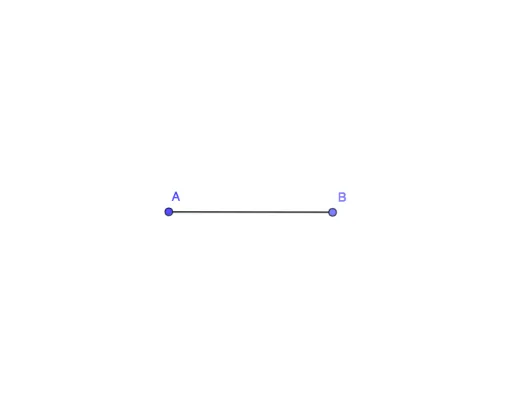
Loading the math board and drawing, please wait…
In collections
Introduction to Constructions
This example demonstrates how to find the midpoint of a segment using GeoGebra. Key mathematical concepts include the midpoint formula. The construction uses Circle, Point, and Segment commands. Suitable for middle school and above students learning geometric construction.
GeoGebra Commands & Parameters
Circle(A, 5) → cPoint(c) → BSegment(A, B) → f
AI Drawing Prompt Reference
Draw a circle with center A and radius 5, then pick a point B on the circle. Connect point A and point B to form a line segment. Finally, find the midpoint of this line segment.
The prompt above was compiled from the original drawing commands and is for reference only.