
Multiplication Practice - Minimal Feedback
Loading the math board and drawing, please wait…
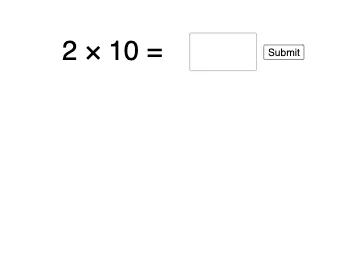
This example demonstrates an interactive multiplication practice session with minimal feedback. Core math concepts include multiplication operations and equation solving. Construction highlights involve using commands like Random, Textfield, and Sequence, with objects such as a, b, text1, answer, InputBox1, button1, correct, answered, text2, text3, l1. Suitable for middle school and above students for practicing multiplication and verifying responses.
GeoGebra Commands & Parameters
Random(1, 10) → aRandom(1, 10) → bTextfield(answer) → InputBox1Sequence(Sequence[Circle[(m / 2 - 6, n / 2 - 4.5), 0.2], m, 1, a], n, 1, b) → l1
AI Drawing Prompt Reference
Draw a multiplication practice graphic with two random numbers. Include an input box for the answer and a graphical element representing the multiplication result. Keep the graphic simple and clear for middle school students to practice multiplication and verify answers.
The prompt above was compiled from the original drawing commands and is for reference only.