
Factoring Quadratics: Geometric and Algebraic Approach
Loading the math board and drawing, please wait…
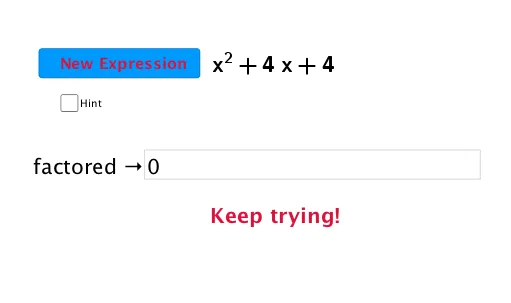
This example demonstrates how to factor quadratic functions to understand their graphical properties. Key mathematical concepts include quadratic functions, factorization, and algebraic transformations. Construction involves GeoGebra commands such as Factors, Element, and Textfield to create function graphs and factorization steps. Suitable for high school students learning the integration of algebra and geometry, and understanding quadratic function properties.
GeoGebra Commands & Parameters
Factors(f) → M_1Element(M_1, 1, 1) → eTextfield(p) → InputBox1
AI Drawing Prompt Reference
Draw a quadratic function graph with its algebraic factorization displayed alongside. The image should show a parabola defined by a standard-form equation, and a text input box where entering parameters updates the factorization into two linear factors. The visual layout places the geometric curve and the algebraic expression side by side, emphasizing the connection between the factored form and the parabola's x-intercepts. Construct the graph first, then use the input box to adjust parameters and dynamically refresh the factorization.
The prompt above was compiled from the original drawing commands and is for reference only.