
Exercise 7: Random Geometric Shapes
Loading the math board and drawing, please wait…
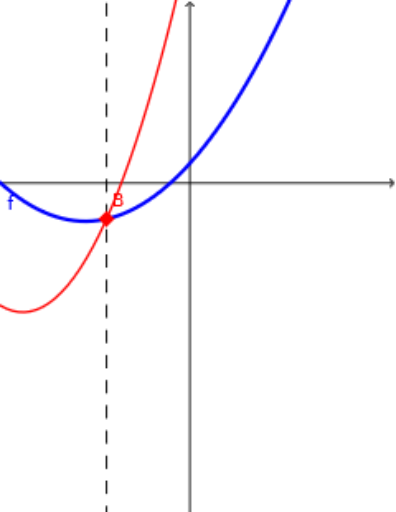
This example demonstrates how to generate random geometric shapes using GeoGebra, including quadrilaterals, median values, and standard deviations. Commands like RandomElement, Random, and Intersect are used to construct shapes with random properties. Suitable for middle school and above students to learn geometric construction and probability statistics.
GeoGebra Commands & Parameters
RandomElement({-5, -4, -3, -2, -1, 1, 2, 3, 4, 5}) → aRandom(-19, 19) → oRandomElement({-5, -4, -3, -2, -1, 1, 2, 3, 4, 5}) → kRandomElement({-5, -4, -3, -2, -1, 1, 2, 3, 4, 5}) → tRandom(-19, 19) → pRandom(-10, 10) → bRandomElement({-5, -4, -3, -2, -1, 1, 2, 3, 4, 5}) → cRandom(-10, 10) → dTextfield(m) → InputBox1Intersect(f, q) → A, BOrthogonalLine(B, i) → gOrthogonalLine(A, i) → hLine(B, yAxis) → jTableText({{A1, B1, C1}, {-3, f(-3), q(-3)}, {-2, f(-2), q(-2)}, {-1, f(-1), q(-1)}, {0, f(0), q(0)}, {1, f(1), q(1)}, {2, f(2), q(2)}, {3, f(3), q(3)}}, "|_r") → text3